Every application you expose to the internet is a standing promise: it will accept requests from strangers, all day, forever, without a human vetting each one. That is the whole point of a public service, and it is also why a flaw in one is such a reliable route inside. An intruder does not need to trick anyone or steal a password if the application itself can be made to misbehave from the outside. The public-facing app is simply reachable, and reachability plus an unpatched weakness is a doorway.
The defender’s job here is not to imagine every clever thing an attacker might attempt. It is to reason clearly about four things for each exposed service: how exposed it actually is, whether it carries known weaknesses, what other controls stand between the flaw and real harm, and whether you would even notice it being used. Those four questions — exposure, patch status, compensating controls, and detection context — are the spine of this guide, and they turn a frightening topic into a manageable inventory problem.
This guide is defensive education. It uses toy examples, observable evidence, and safe reasoning. It does not provide exploit instructions, malware code, credential theft steps, evasion playbooks, target scanning procedures, or operational offensive workflows. If you are handling an active incident, preserve evidence, follow your organization's incident-response plan, and involve qualified responders and legal counsel where appropriate.
Exposure is a question you have to answer deliberately
Most organizations are surprised by their own attack surface. A service that “everyone knows is internal” turns out to answer from the open internet because of a forgotten firewall rule, a cloud load balancer with a permissive default, or a test instance that outlived its purpose. Exposure is not what the architecture diagram says; it is what is actually reachable, and the gap between those two is where trouble lives. This is why the discipline of knowing your own inventory matters more than any single fix, and why Asset Inventory Drift and Cloud Public Exposure Mapping are close companions to this topic.
The useful mental move is to treat exposure as a property you assign on purpose, not one you discover by accident. For each internet-facing application, a defender should be able to say who owns it, what it is for, what data sits behind it, and why it needs to face the public at all. Services that cannot answer that last question are candidates for removal, and removal is the cheapest and most permanent control there is.
Patch status and the exposure window
A known vulnerability has a clock attached. From the moment a fix is published, the weakness is documented, and the window between disclosure and patching is the interval during which a public service is most quietly at risk. Not every vulnerability deserves an emergency, though, and the intermediate skill is triage: distinguishing a flaw that is remotely reachable, requires no authentication, and is already being used in the wild from one that is theoretical, local, or gated behind controls you already have. The CISA Known Exploited Vulnerabilities Catalog exists precisely to mark the first kind, and the reasoning behind ranking these sensibly is the subject of Patch Prioritization and Exposure Windows and Vulnerability Scan Findings Without Panic .
The point is proportion. A scanner that returns two hundred findings is not describing two hundred emergencies. Exposure plus known exploitation plus sensitive data behind the service is the combination that moves a finding to the front of the queue. Everything else can follow a normal maintenance rhythm.
Compensating controls when you cannot patch today
Sometimes the patch is not available yet, or applying it means downtime the business has not agreed to, or the system is a fragile appliance nobody wants to touch. Compensating controls are what carry you across that gap. Restricting who can reach the service, placing a filtering layer in front of it, requiring authentication before the vulnerable component is reachable, tightening the permissions of the account the application runs under, and segmenting it away from the crown jewels all reduce either the chance the flaw is reached or the damage if it is. None of these replaces patching, but together they shrink the window’s danger. The idea of limiting what a single compromised service can touch connects directly to Network Segmentation and Flat Networks and to running services with least privilege, discussed in IAM Roles and Least Privilege .
Toy example
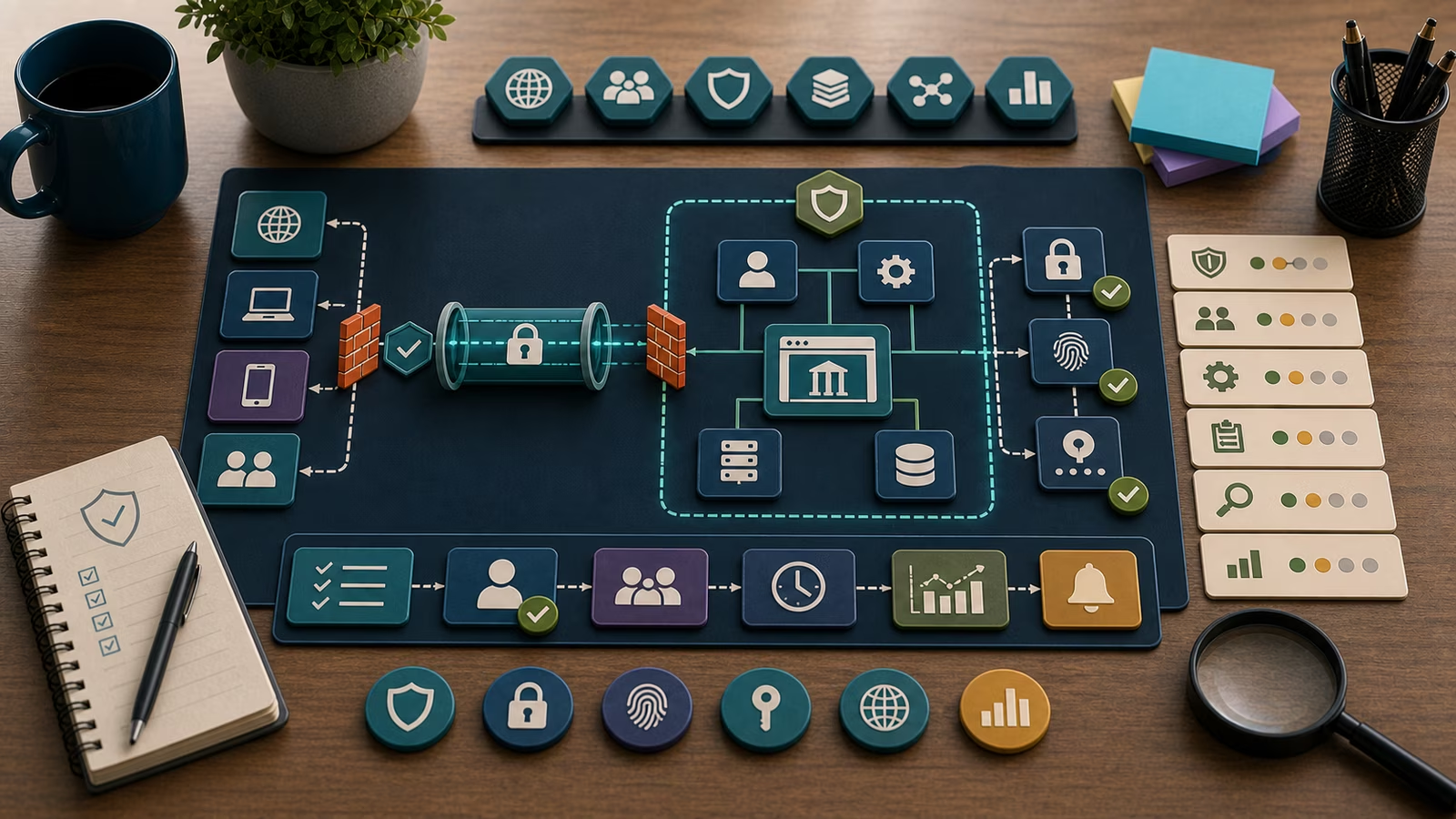
Picture a fictional accounting firm, Harbor & Quill, running a customer document portal on an internet-facing server. A security bulletin lands describing a critical flaw in the portal software, already listed as exploited in the wild. The calm response is not panic and not shrugging; it is walking the four questions. Exposure: yes, the portal answers from the open internet, confirmed against the firm’s own inventory. Patch status: a fix exists but the vendor’s maintenance window is three days out. Compensating controls: the firm can immediately restrict the portal to known client network ranges, require its single sign-on layer in front of the vulnerable component, and reduce the service account’s permissions so the portal cannot reach the general file share. Detection: the team confirms that access logs are being collected and enables closer alerting on unusual request patterns for the next several days.
None of that is heroic. It is a sequence of small, reversible decisions that turn a three-day exposure window from an open door into a watched, narrowed one. When the maintenance window arrives, the patch goes on and the temporary restrictions are reviewed rather than forgotten.
What evidence matters?
Detection context is the fourth question, and it is the one teams neglect until it is too late. The best evidence that a public-facing service is behaving normally, or is not, comes from its own logs: request patterns, error rates, authentication outcomes, and the behavior of the process behind it. A spike of errors from a single source, a burst of requests to an unusual path, a web-facing process suddenly spawning a command interpreter or opening an outbound connection it never normally makes — these are the observable signals that separate “a vulnerability exists” from “the vulnerability is being used.” Reading that last kind of signal well is the domain of Processes, Parents, and Command Lines and Suspicious Process Indicators .
Evidence is strongest when the logs existed before you needed them, are timestamped, and can be compared against a baseline of ordinary traffic. A guide to which logs are worth keeping in the first place lives in Logs: What to Keep and Why . The uncomfortable truth is that many organizations discover, mid-incident, that the one service that was compromised was also the one they were not logging.
Common mistakes and false positives
The most expensive mistake is confusing a vulnerability scan finding with a confirmed compromise. A scanner reporting that a service is vulnerable means it could be exploited, not that it has been. Treating every high-severity finding as an active incident burns out teams and trains them to ignore the alerts that matter. The opposite mistake is equally common: assuming that because a service is internal-sounding, it must be safe, without ever confirming its true exposure.
False positives are routine. A benign vulnerability scanner run by your own team can look alarming in the logs. A legitimate software update can change a service’s behavior enough to trip an alert. A load spike from a marketing campaign can resemble a flood of malicious requests. Each of these is resolved by the same discipline: confirm the source, compare against the baseline, and check whether the surrounding evidence — process behavior, outbound connections, data access — supports the scary reading or the ordinary one. A well-handled false positive still pays off if it leaves behind a tighter alert rule or a confirmed owner for a service that had none.
What to do next
Start by making exposure real: reconcile what you believe faces the internet with what actually does, leaning on Asset Inventory Drift . Then rank by exploitability rather than raw severity using Patch Prioritization and Exposure Windows . Because an exposed application is one of the classic front doors, it is worth reading it alongside the map in Initial Access Without Drama and the sibling doorway of External Remote Services .
For anything that looks like active exploitation, stop testing and start preserving. Keep the logs, follow your incident-response plan, communicate through approved channels, and bring in qualified responders before making changes that might erase the evidence of what happened.
How this guide was made
This page is defensive education drawn from public frameworks including MITRE ATT&CK, the CISA exploited-vulnerabilities catalog, and OWASP application-security guidance, using invented organizations and toy data. It makes no certification, legal, or incident-response-authority claims, and it deliberately omits exploit detail so it stays useful for understanding and defending rather than for causing harm.
Official references
For orientation, the MITRE ATT&CK Enterprise Matrix frames exploitation of public-facing applications as a documented technique with defensive mitigations attached. The CISA Known Exploited Vulnerabilities Catalog is the fastest way to tell an urgent, actively-used flaw from a merely theoretical one, and the NIST Cybersecurity Framework 2.0 offers a calm structure for turning exposure, patching, controls, and detection into a repeatable program.
Related guidebooks
Read this next to Initial Access Without Drama for the wider map and External Remote Services for the neighboring doorway. For the identity and secret-handling that sit behind many exposed services, see Valid Accounts and Service Accounts and Secrets .