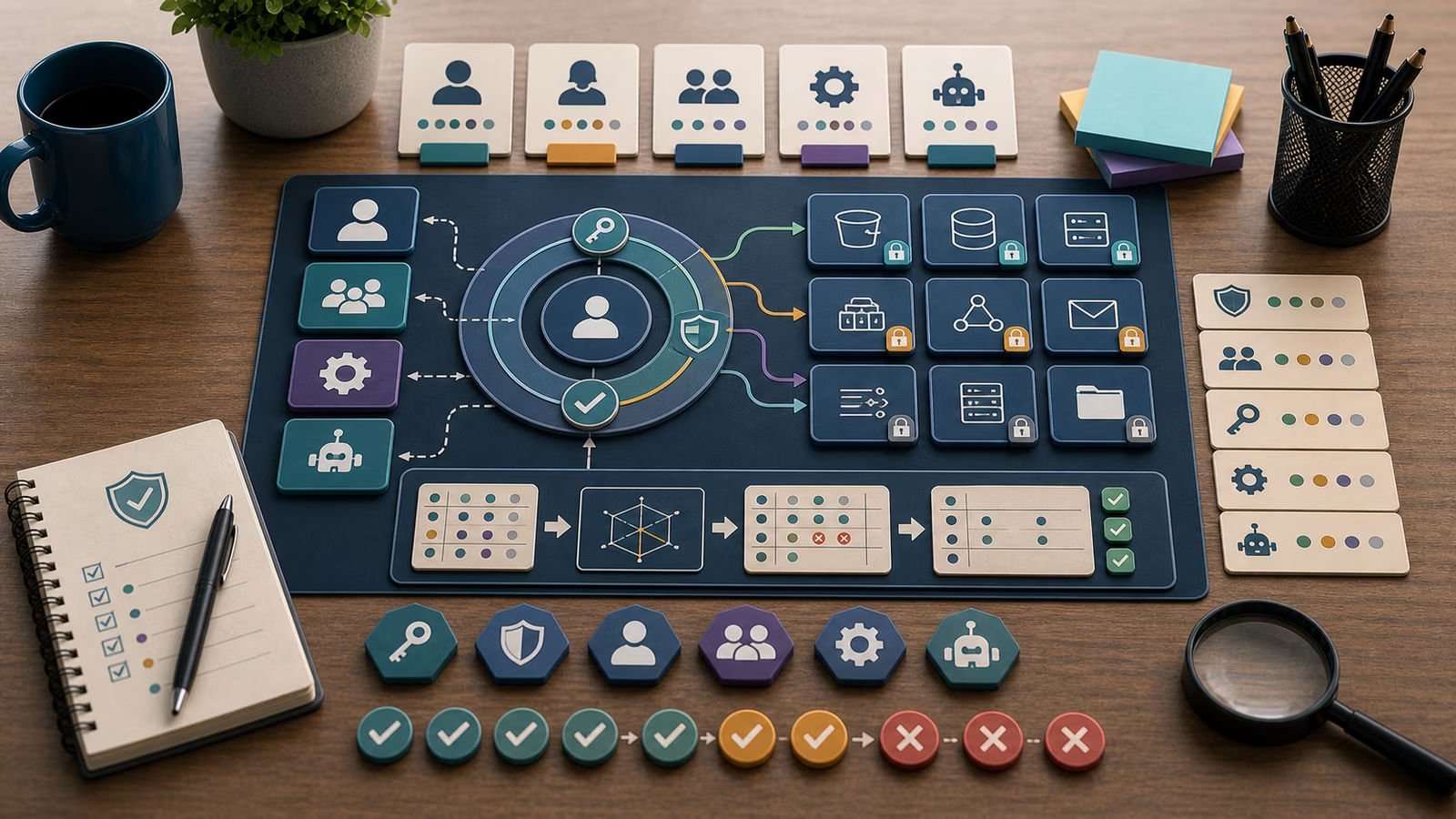
Most people picture account security as a wall: add multi-factor authentication and the front door is locked. But every account has a back door too, the recovery path that lets a genuine user back in after they lose a phone or forget a password. Attackers understand this asymmetry better than most defenders do. If the login is protected by a phishing-resistant passkey but the account can still be reset with a code texted to a number an attacker has taken over, the strong front door hardly matters. The intruder simply knocks at the back. This guide treats sign-in and recovery as one system, because the security of an identity is only as good as its weakest way in.
This guide is defensive education. It uses toy examples, observable evidence, and safe reasoning. It does not provide exploit instructions, malware code, credential theft steps, evasion playbooks, target scanning procedures, or operational offensive workflows. If you are handling an active incident, preserve evidence, follow your organization's incident-response plan, and involve qualified responders and legal counsel where appropriate.
Not all second factors are equal
The phrase “we have MFA” hides a wide range of real strength. A one-time code read from a text message is better than a password alone, but it can be intercepted through carrier fraud or simply phished by a convincing prompt that asks the user to type the code into a fake page. Codes from an authenticator app remove the carrier weakness but are still phishable, because the user can be tricked into reading the number aloud or entering it somewhere hostile. Push approvals that ask “was this you?” are convenient but vulnerable to fatigue, where a user tired of repeated prompts eventually taps approve to make the noise stop.
Passkeys sit at the strong end of this range because they change the physics of the exchange. A passkey is a cryptographic key pair bound to the specific website or app it was created for, with the private half held in a device’s secure hardware and never typed, shown, or transmitted. Because the key is tied to the real domain, a look-alike phishing site cannot coax it into signing in, and because nothing reusable crosses the wire, there is no code to steal or replay. Understanding this distinction lets a defender answer a sharper question than “do we have MFA” — namely, “which of our accounts can still be phished, and which genuinely cannot?”
Recovery is the underrated attack surface
Here is the uncomfortable truth that gives this guide its shape: organizations pour effort into strong sign-in and then leave recovery as an afterthought. If an account protected by a passkey can be recovered with a security question whose answer is on a public profile, or a backup code stored in a shared document, or a help-desk call that verifies identity with a name and a birthday, then the effective strength of that account is the strength of its weakest recovery route, not its login. Attackers treat recovery as the path of least resistance precisely because defenders treat it as a convenience feature rather than an authentication event.
Every recovery option should be judged by the same standard as the front-door login. A backup email or phone that itself lacks strong protection becomes a lever for taking over everything downstream. Help-desk resets deserve real scrutiny, because social engineering of a support agent is one of the more reliable ways an intruder bypasses excellent technical controls; a good process requires verification that cannot be gathered from public sources and logs every reset as the sensitive event it is. Printed or downloaded backup codes are fine when stored offline and treated like keys, and dangerous when pasted into a note-taking app that syncs to a poorly protected account. Mapping the recovery paths of your most important identities is often more valuable than adding yet another factor to the login.
Toy example
Imagine a fictional design studio called Marlowe Type Foundry. The owner has enabled passkeys on the main cloud account and feels well protected. During a review, a defender notices something the owner overlooked: the account still lists a personal mobile number as a recovery option, and that number’s own carrier account is protected only by a reused password. Nobody assumes a compromise. The questions are calm ones. When was the recovery number added? Is it still needed now that a passkey exists? Could someone reset the studio account by taking over that phone number first?
The safe exercise is a two-column note: for each important account, list the login factors on the left and every recovery route on the right. For the studio account the left column reads “passkey on the owner’s laptop,” which looks strong, while the right column reads “SMS to a personal number, plus three security questions, plus a backup email.” Suddenly the account’s real strength is visible, and it is not the passkey — it is the weakest item on the right. Everything here is invented on paper; no real accounts are reset, no codes are tested, and no phone numbers are dialed. The insight is the point: strong login, weak recovery, and a clear next step to close the gap.
What evidence matters?
The most useful evidence is a full enrollment inventory for each important identity: every factor registered and every recovery route enabled, not just the one the user thinks about. An account can carry a passkey and still keep an old SMS fallback that quietly undermines it. Seeing the complete list is what turns a vague sense of safety into a checkable claim.
Beyond the inventory, sign-in and reset logs carry most of the weight. A record of authentication events shows which methods are actually used and whether any logins came from unexpected locations or at odd hours for that user. Password-reset and recovery events are especially worth watching, because a reset is functionally a new way to seize the account; an unexpected recovery attempt on a sensitive identity deserves attention even when it fails. Enrollment-change history matters too, since a newly added phone number or a freshly registered factor that the owner does not recognize is one of the clearest signals that something is wrong. As with any identity review, exported logs and configuration records outlast a screenshot, and tying each observation to a named source and timestamp is what lets another person confirm it later.
Worked defensive review
Turn the worry into a narrow claim. Not “our accounts might be at risk,” but “the studio’s main cloud account uses a passkey for login yet still allows recovery by SMS to a personal number whose carrier account uses a reused password, and that recovery route has not been reviewed since it was added.” That sentence names the identity, the strong factor, and the specific weak path, and it points straight at the fix: remove or harden the SMS recovery, and add a stronger fallback such as a second passkey or offline backup codes stored securely.
Set the threshold before you act. A low-sensitivity personal account with a weak recovery option might only warrant a note and a reminder. An administrator or billing-owning identity with a phishable recovery path deserves a prompt, logged change and, ideally, a second strong factor so that losing one device does not lock the owner out or invite a takeover. Where a review turns up an unexpected reset or an enrollment the owner never made, treat it as a possible active incident rather than a cleanup task: preserve the logs and follow the response plan instead of quietly deleting the strange factor and moving on.
Common mistakes and false positives
The most common mistake is declaring victory at the login and never auditing recovery, which leaves the strongest accounts quietly resettable through their softest path. A close second is treating every second factor as equivalent, so that “we require MFA” masks the fact that half those factors are phishable codes. Another is leaving stale recovery methods attached to accounts long after the phone or personal email that backed them stopped being trustworthy. And a subtle one is removing all fallback options in a burst of enthusiasm, creating a single point of failure where a lost device now means a permanent lockout; resilient recovery means having a strong second route, not zero routes.
False positives are routine and healthy. An unfamiliar login location may just be a traveling user or a VPN, and a new device enrollment may be the owner’s replacement laptop. Confirming these with the owner is not wasted effort. Each check leaves behind a clearer baseline of what normal looks like for that identity, which makes the next surprising event faster to judge. A review that ends in “expected, and here’s why” still strengthens the account.
What to do next
Start by inventorying the recovery paths on your handful of most important identities before adding any new factors, because closing a weak back door usually beats reinforcing an already-strong front door. The identity you are protecting is the same one whose permissions are scoped in IAM Roles and Least Privilege , so a strong login on an over-privileged account is worth pairing with a smaller blast radius. When you look at what an attacker could reach after a takeover, OAuth Consent and SaaS App Risk shows how a compromised identity can hand long-lived access to third-party apps, and Cloud Public Exposure Mapping shows which of those identities also sit on internet-facing surfaces. For reuse and secret-hygiene questions that feed straight into recovery, Password Managers and Credential Reuse is a natural next stop.
For anything that looks like an active takeover attempt, stop experimenting. Preserve the sign-in and reset logs, follow your incident-response plan, communicate through approved channels, and bring in qualified responders. For learning, keep the examples fictional and keep asking the same questions: which factors protect this identity, which recovery routes could bypass them, how strong the weakest route is, and what the smallest change would be to close the gap.
How this guide was made
This page is defensive education assembled from public frameworks including the NIST digital identity guidelines, CISA’s phishing-resistant MFA guidance, and the FIDO Alliance’s passkey standards, illustrated with an invented studio and toy accounts. It makes no claim to certify your environment, provide legal advice, or grant incident-response authority. The examples deliberately avoid operational offensive detail, so the guide remains useful for safe study rather than a script for account takeover.
Official references
For grounding, the NIST SP 800-63-4 Digital Identity Guidelines describe authenticator strength and, importantly, treat account recovery as an authentication event in its own right. The CISA Secure Cloud Business Applications Project offers baseline configurations for cloud identity that touch on MFA enforcement, while the CIS Critical Security Controls v8 cover account and access safeguards in practical terms. The CISA Known Exploited Vulnerabilities Catalog is a reminder that strong sign-in does not compensate for unpatched systems behind it. Read all four as orientation, not certification.
Related guidebooks
The closest companions are IAM Roles and Least Privilege for shrinking what a protected identity can reach, OAuth Consent and SaaS App Risk for the delegated access a takeover can abuse, and Cloud Public Exposure Mapping for tying identities to internet-facing surfaces. For related credential hygiene, see Password Managers and Credential Reuse and Authentication Log Patterns .