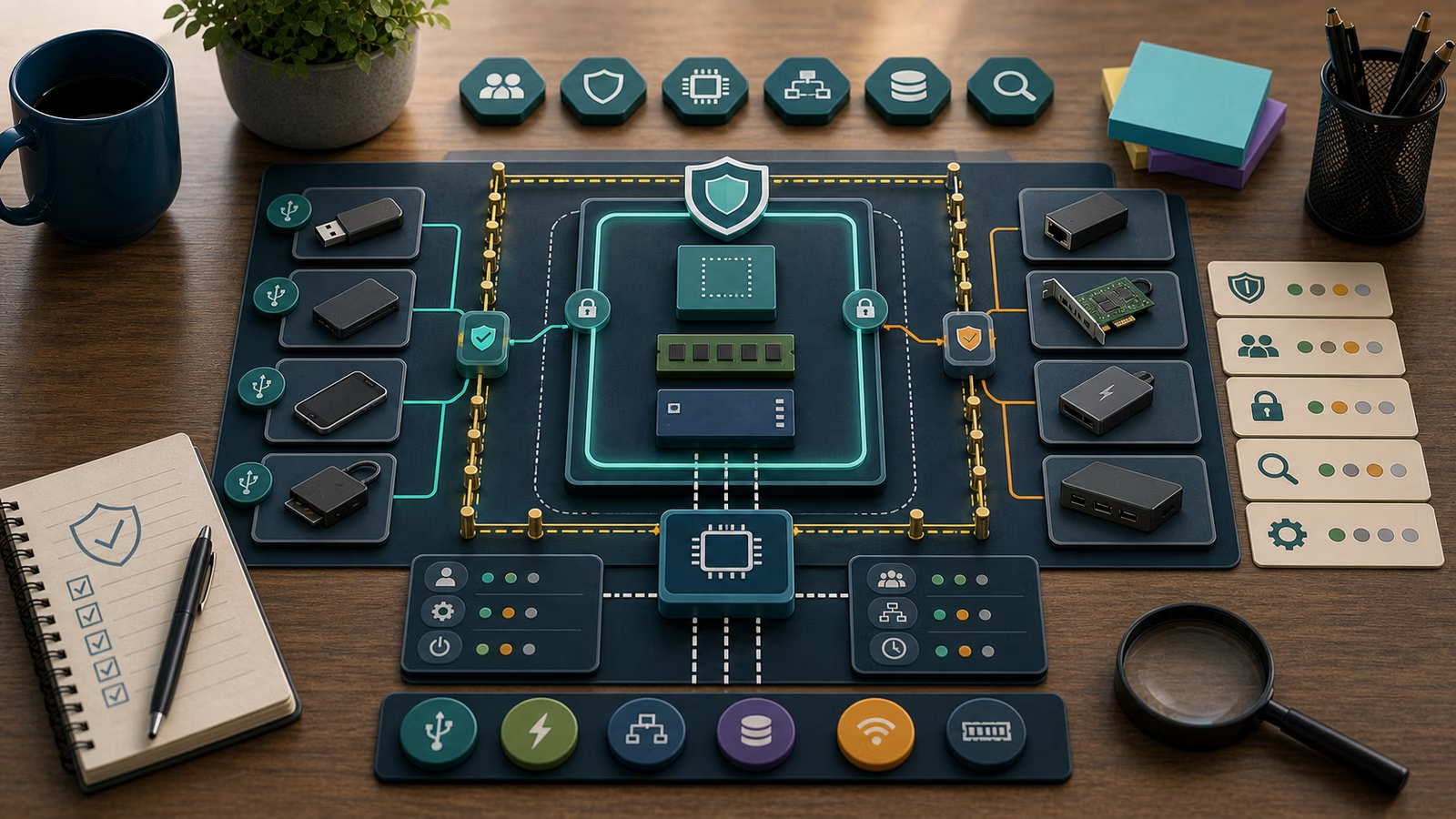
Every program that runs on a computer has a lineage. Something started it, that something was itself started by another thing, and each link in the chain carried a small bundle of context: the account it ran under, the folder it launched from, and the arguments it was handed. Endpoint telemetry captures those links, and a defender who learns to read them can often tell a routine morning of software updates apart from a chain of events that deserves a second look. The skill is less about memorizing which programs are dangerous and more about noticing when a familiar program is standing in an unfamiliar place, holding an unfamiliar instruction.
This guide is defensive education. It uses toy examples, observable evidence, and safe reasoning. It does not provide exploit instructions, malware code, credential theft steps, evasion playbooks, target scanning procedures, or operational offensive workflows. If you are handling an active incident, preserve evidence, follow your organization's incident-response plan, and involve qualified responders and legal counsel where appropriate.
Reading a process tree
A process tree is a family diagram drawn in real time. At the root sit the long-lived system components that come up when a machine boots. Beneath them branch the services, the login session, and eventually the applications a person actually clicks on. When a document opens a helper, or a browser spawns a rendering process, the new child records who its parent was. That single field, the parent, is one of the most useful pieces of context a defender has, because most software behaves predictably about who launches what. A word processor is normally started by the desktop shell after a user double-clicks a file. When the same word processor instead appears as the parent of a general-purpose scripting engine, the diagram has bent in a way that ordinary office work rarely explains.
The value of the tree comes from relationships, not from any single node. A scripting interpreter running is not inherently interesting; administrators and developers run them constantly. What matters is the surrounding shape: which parent invoked it, at what time, under which account, and whether that account normally does this kind of work. Reading ancestry well means holding the whole branch in view at once, from the trusted root down to the leaf that raised the question, and asking whether each hop is one you would expect a real human task to produce.
Why the parent-child link tells a story
Attacker tradecraft, described in defensive catalogs like MITRE ATT&CK, frequently leaves a fingerprint in ancestry because so much unwanted activity begins by borrowing a program that is already trusted and present. A common pattern in published case studies is a productivity application becoming the parent of a command interpreter, which in turn becomes the parent of something that reaches out to the network. None of those programs is malicious on its own. It is the sequence, the fact that they are strung together in an order that does not match how a person uses that software, that gives the chain meaning.
This is why defenders talk about parent-child relationships rather than lone process names. A name can be copied, and legitimate-sounding names are easy to choose. The relationship is harder to fake convincingly, because it has to fit inside a plausible story about what a user or a service was doing. When the story breaks down, when a printing subsystem appears to have launched an archive utility that then launched a scripting host, the defender has a thread worth pulling. The related guide on Suspicious Process Indicators goes deeper into the odd-name and odd-location signals that often sit at the end of one of these chains.
What command lines add
The command line is the instruction a process was given at birth, and it often carries the intent that the process name alone conceals. Two runs of the same trusted interpreter can be completely ordinary or genuinely worth investigating depending entirely on their arguments: whether they point at a normal script in a normal location, whether they pull content from somewhere unusual, whether they ask the program to hide its own window or run without the safeguards a person would normally leave in place. Command-line context is where a generic tool reveals the specific job it was asked to do.
Reading arguments is a defensive skill precisely because so much modern intrusion activity reuses built-in tools rather than dropping obvious new files. When the executables are all legitimate, the arguments and the ancestry are frequently the clearest remaining evidence. A careful defender treats a suspicious command line as a claim to be checked, not a verdict, because encoded or unusual arguments also appear in legitimate automation, packaged installers, and management tooling. The question is never simply “does this look strange” but “does this strangeness fit the owner, the schedule, and the job this machine is supposed to be doing.” For a fuller picture, the arguments often pair with outbound activity described in Network Connections: Ports, Protocols, and Remote Hosts .
Toy example
Picture a fictional design studio called Marlowe Type Foundry, with a handful of laptops and a shared file server named Atlas. One afternoon a defender reviewing endpoint telemetry notices that on the laptop belonging to a designer, Priya, a slideshow application appears in the tree as the parent of a scripting host, which then briefly started an archive tool. The command line handed to the scripting host referenced a file in a temporary folder that no normal project stores work in.
Nobody declares an incident. The defender writes the narrowest true sentence they can: “On Priya’s laptop at 3:14 in the afternoon, a slideshow app was recorded as the parent of a scripting host with an argument pointing at a temp-folder file; the owner has not yet been asked about it.” Then they look for benign explanations. Did Priya open an emailed presentation that legitimately unpacked embedded content? Is there a studio automation that runs after design exports? Was a software updater involved higher up the tree? Each of those is checkable, and each would move confidence in a different direction. The reasoning pattern, not the drama, is the point, and it maps cleanly onto the four-part worksheet of asset, identity, exposure, and control.
What evidence matters?
The strongest process evidence is the ancestry itself: the full chain from a trusted root to the leaf in question, with each parent-child hop preserved rather than summarized. Alongside it sit the account the process ran under, the on-disk location the executable was launched from, whether that executable carried a valid digital signature, and the exact command line with its arguments. The launch timestamp turns a static snapshot into a sequence, letting a defender line the branch up against change windows, login times, and scheduled jobs.
Evidence is most useful when it is timestamped, tied to a named source, and reproducible from stored records rather than memory. A screenshot of a process tree helps a responder recall what was seen, but exported endpoint logs, the owner’s confirmation of what they were doing, and the relevant change ticket are what let another person review the same facts later. What makes those records exist in the first place is retention, which is the subject of Logs: What to Keep and Why . Confidence should always be recorded as a level, and the claim should stay narrow: “this ancestry is unusual for this account” is a very different statement from “this machine is compromised,” and only the first can be supported by the tree alone.
Common mistakes and false positives
The most frequent error is judging a process by its name while ignoring its path, its signer, its account, and its parent. A trusted name in an untrusted folder, or a trusted folder holding an unsigned copy of a familiar tool, tells a different story than the name suggests. A second common trap is treating a single match, one flagged argument or one alert, as a complete diagnosis rather than one observation inside a larger branch that still needs context.
Benign activity generates a great deal of ancestry that looks noisy at first glance. Backup software, search indexers, software distribution systems, developer build tools, and remote-management agents all legitimately spawn children, run interpreters, and pass unusual-looking arguments. Managed deployment tools in particular produce parent-child chains that superficially resemble the intrusion patterns defenders are trained to watch for. A false positive handled well is not wasted effort: it leaves behind a clearer baseline of what normal looks like on that host, a better owner note, and a tighter sense of which chains are worth an alert. Panic that treats every scripting host as an emergency, and dismissal that waves away a genuinely anomalous branch because “that program is normal,” are the two failure modes to guard against.
What to do next
Begin with the smallest defensive step the evidence justifies. For a low-confidence oddity, that usually means asking the asset owner what they were doing and comparing the branch against a known-good baseline for that role. For something more concerning, it means preserving the relevant endpoint records, opening a ticket, and checking whether the involved account carries privileges or touches sensitive data, since those factors raise the stakes. Keep observation and interpretation in separate sentences so that a later reader can tell what was seen from what was inferred.
If activity is live and harmful, do not experiment on the machine. Preserve evidence, follow your incident-response plan, communicate through approved channels, and bring in qualified responders. When you are learning rather than responding, keep every example fictional and practice on invented hosts and users. Calibrating how loudly to react is its own skill, and Risk Scores, Severity, and Confidence is a good companion, as is Safe Cyber Learning Boundaries for staying on the defensive side of the line.
How this guide was made
This page is defensive education assembled from public frameworks and openly published guidance, used as orientation rather than as a rulebook. Its examples are deliberately fictional and avoid operational detail so the guide stays useful for safe learning. It makes no claim to certification, legal advice, compliance, incident-response authority, or complete coverage of the subject.
Official references
For readers who want to see how process ancestry connects to documented adversary behavior, the MITRE ATT&CK Enterprise Matrix catalogs execution and defense-evasion techniques that frequently show up in parent-child chains. The NIST SP 800-61 Rev. 3: Incident Response Recommendations place that evidence inside a calm analysis-and-escalation process, and the CIS Critical Security Controls v8 describe the audit and logging safeguards that make credible process telemetry available in the first place. Treat all three as maps for orientation, not as certifications of readiness.
Related guidebooks
The natural next reads are Suspicious Process Indicators , which sharpens the odd-name and odd-location signals that end many suspicious chains, and Network Connections: Ports, Protocols, and Remote Hosts , which follows what a process does after it starts. Pair either with Logs: What to Keep and Why so the ancestry you want to study is still there when you go looking.