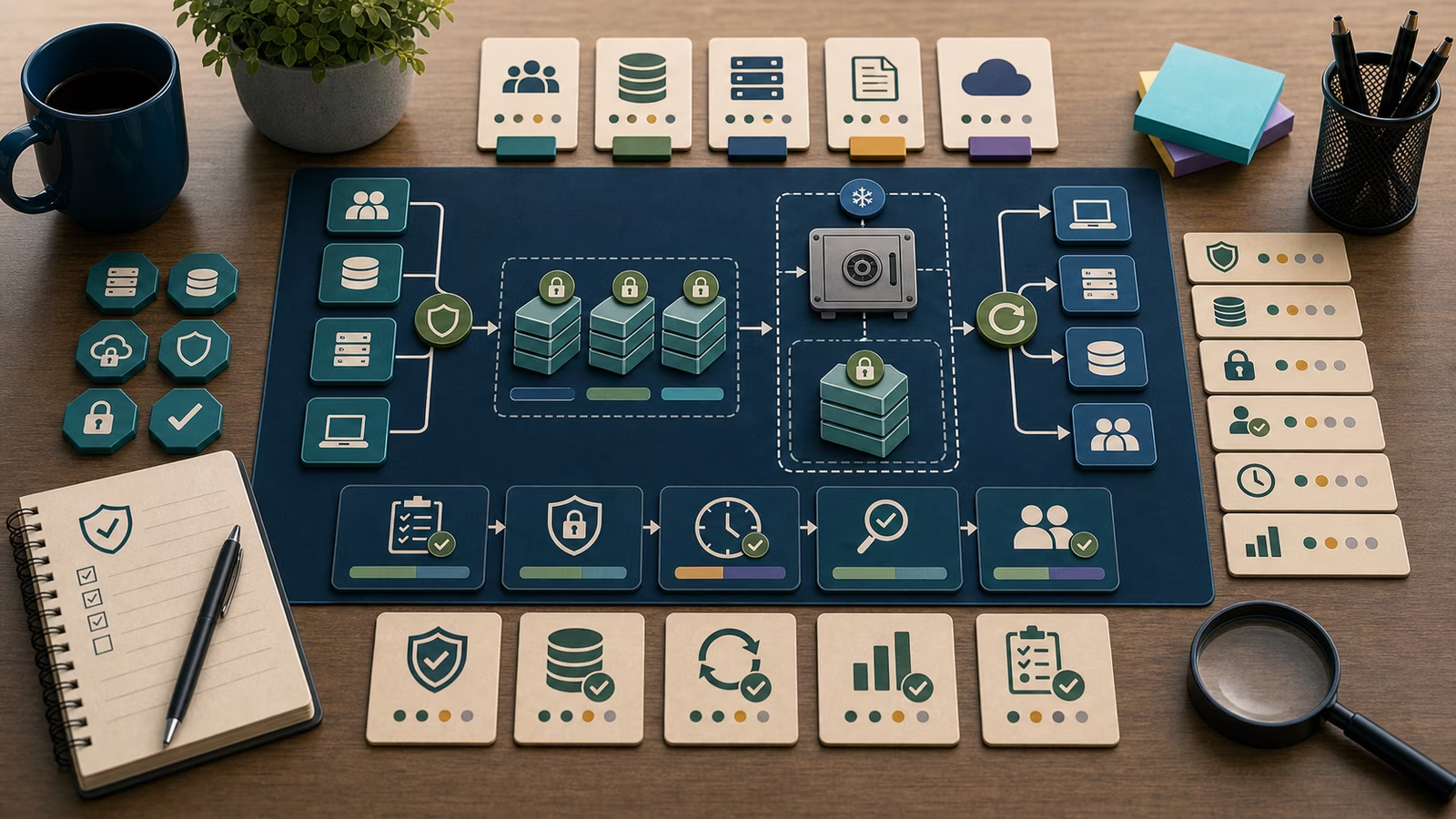
The worst time to discover that a backup does not work is the moment you need it. A restore drill is how you move that discovery earlier, into a quiet afternoon when a failure is a lesson rather than a catastrophe. The idea is simple and slightly uncomfortable: instead of trusting that your copies would restore, you actually restore one and watch what happens. Almost every organization that has done this for the first time has learned something unwelcome, whether it was that the restore took three times longer than anyone guessed, that a file was recoverable but the application built on it would not start, or that the person who knew the procedure had left months ago. None of those problems are visible from a dashboard of green backup jobs. They only appear when you rehearse.
This guide is about that rehearsal, told from a beginner’s chair and kept deliberately calm. A drill is not a fire; it is a practice, and its value is precisely that it can fail safely. What you are really building is evidence, an honest record that recovery is something your organization can do and not merely something it hopes it could.
This guide is defensive education. It uses toy examples, observable evidence, and safe reasoning. It does not provide exploit instructions, malware code, credential theft steps, evasion playbooks, target scanning procedures, or operational offensive workflows. If you are handling an active incident, preserve evidence, follow your organization's incident-response plan, and involve qualified responders and legal counsel where appropriate.
Why an untested backup is a hypothesis
A backup you have never restored is not a fact about your resilience; it is a belief. The job ran, the storage filled up, the status turned green, and all of that tells you a copy was written. It does not tell you that the copy can be read back, that it is complete, that the application depending on it will function, or that anyone knows how to perform the restore under pressure. Each of those is a separate thing that can quietly be false. The gap between “a backup exists” and “we can recover” is where organizations get hurt, because the first is easy to confirm and the second is the one that actually matters. The design choices that a drill puts to the test, such as offline and immutable copies and named recovery objectives, come from Backup Design for Recovery ; the drill is where that design stops being a plan and becomes a proven capability.
Turning belief into fact is the whole purpose of the drill. When you restore a real copy into a safe environment and confirm that the data is intact and the system works, you have converted a hypothesis into evidence with a date attached. That evidence is worth far more than any assurance about how the backup was configured, because it describes an outcome that was actually achieved rather than an intention that was set.
What a drill actually measures
A useful drill measures a few concrete things, and naming them keeps the exercise honest. The first is completeness: did everything you expected come back, or were there files, databases, or configuration pieces that turned out to be outside the backup scope? The second is time: how long did the restore actually take, from deciding to start to having a working system, and does that number fit the recovery time the business can tolerate? A restore that succeeds but takes two days is a different reality than one that takes two hours, and only a drill produces the real figure rather than a guess. The third is functionality: not merely that the files exist, but that the application built on them starts, connects, and behaves. A recovered database file that no service can open is not a recovery.
The fourth thing a drill measures is people and procedure. Does the written runbook match what someone actually has to do? Can a person who is not the original author follow it? Are the credentials and access needed for recovery available, or are they themselves locked behind the very system that is down? These human and procedural gaps are the ones most likely to surprise a team in a real event, and they surface naturally the first time someone unfamiliar tries to follow the steps. A drill that only the expert can complete has not really tested the procedure.
What evidence matters?
The evidence that matters from a drill is a plain, dated record of what happened: which system was restored, from which copy, who performed it, how long it took, whether it was complete, whether the application functioned, and what went wrong along the way. That record is the single most valuable artifact in a recovery program, because it is proof rather than assurance, and because its answer to “when was the last successful restore test?” is exactly the question a careful reviewer asks first. If the honest answer is “we have never tested one,” then the recovery capability is unproven no matter how healthy the backups look.
Just as important is the evidence a drill produces about its own failures. A restore that fell short is not a wasted afternoon; it is a list of specific, fixable gaps, each of which would otherwise have appeared during an actual emergency. Writing down that the runbook was outdated, that a database needed a step nobody documented, or that the restore exceeded the tolerable window turns a disappointing drill into the most useful kind of finding. This is the same spirit as an After-Action Review : the point is not to declare success but to leave behind a clearer picture and a shorter list of surprises.
Toy example
Picture a fictional community clinic’s back-office team, running a patient-scheduling system, a small document store, and a shared drive. They have nightly backups and have never restored one. On a slow Friday, they run their first drill: restore last night’s scheduling database into an isolated test environment, then confirm the scheduling application starts and shows the right appointments. The restore of the files succeeds in twenty minutes, which pleases everyone, until the application refuses to start because a configuration file was never in the backup scope. Nobody is harmed, because this is a rehearsal, and the clinic has just learned something that would have been devastating during a real outage.
The drill also reveals softer gaps. The only person who knew the restore steps was on vacation, so a colleague followed the written runbook and found two steps missing and one that referenced a server that no longer exists. By the end of the afternoon the clinic has a dated record of a partial success, a corrected backup scope that now includes the configuration file, an updated runbook that a non-expert followed to completion, and a realistic restore time. That is exactly the evidence a drill is meant to produce, and it exists because they practiced before the emergency rather than during it.
Common mistakes and false positives
The most common mistake is mistaking a green backup dashboard for a tested recovery, which is really the mistake of never drilling at all. Close behind it is the shallow drill: restoring a single file and declaring victory, when the real risk lives in whether the whole application comes back and whether the timing fits the business. Another frequent error is letting only the expert run the drill, which hides the procedural and access gaps that would sink a real recovery when that one person is unreachable. And a quietly dangerous one is restoring into production or an unisolated environment, where a careless drill could overwrite live data or, worse, reintroduce something malicious; drills belong in a safe, isolated place.
Drills also produce their own false comfort, which is worth guarding against. A restore that technically completes can look like proof even when it skipped the parts that would fail, so a successful drill should still ask what it did not test. The healthy stance is to treat every drill as an experiment that could reveal a gap, and to be more suspicious of a drill that found nothing than of one that found problems. The teams that recover well are the ones whose drills keep surfacing small surprises, because each surprise found in practice is one fewer discovered during a Ransomware Timeline that is unfolding for real.
What to do next
Schedule a small, safe drill rather than waiting for the perfect comprehensive one. Pick a single important system, restore a recent copy into an isolated environment, and measure completeness, time, and whether the application actually works, ideally with someone other than the usual expert following the written steps. Record the result with a date, fix the gaps it exposes, and put the next drill on the calendar, because recovery capability decays as systems and people change and a test from a year ago proves little about today.
For learning, sketch a fictional environment and design a drill for it on paper: name the system, the copy you would restore, the isolated place you would restore into, the four things you would measure, and who would run it. Then read Backup Design for Recovery to make sure the copies are worth restoring, and Detecting Encryption Behavior with Containment Decision Trees to see how detection and containment buy the time your proven recovery then uses.
How this guide was made
This page is defensive education drawn from public recovery frameworks and openly published guidance, illustrated with a fictional clinic and invented systems. It focuses on rehearsing and proving recovery, and it contains no operational offensive detail. It makes no claim to certification, legal advice, or incident-response authority; treat it as a way to reason about testing your own recovery, not a substitute for professional planning.
Official references
For orientation rather than certification, the CISA StopRansomware Guide stresses recovery practices proven against ransomware, NIST SP 800-61 Rev. 3: Incident Response Recommendations sets expectations for the recovery phase of incident handling, and the CIS Critical Security Controls v8 describe a data-recovery control built explicitly around tested restores.
Related guidebooks
Pair this with Backup Design for Recovery so that what you drill is worth restoring and the Ransomware Timeline so you know what recovery must withstand, and read Detecting Encryption Behavior and Containment Decision Trees for the detection and response that give a proven restore its opening.