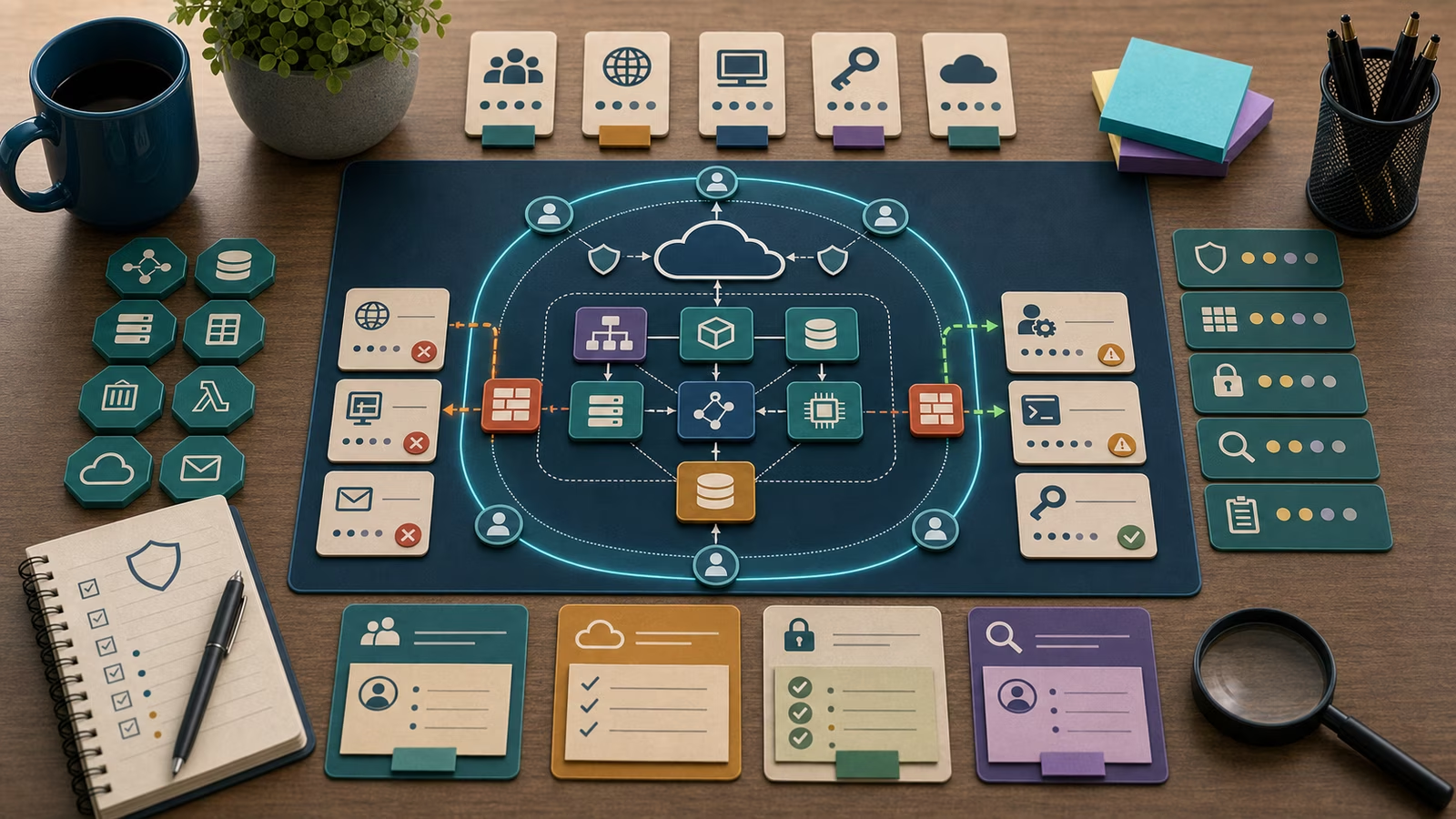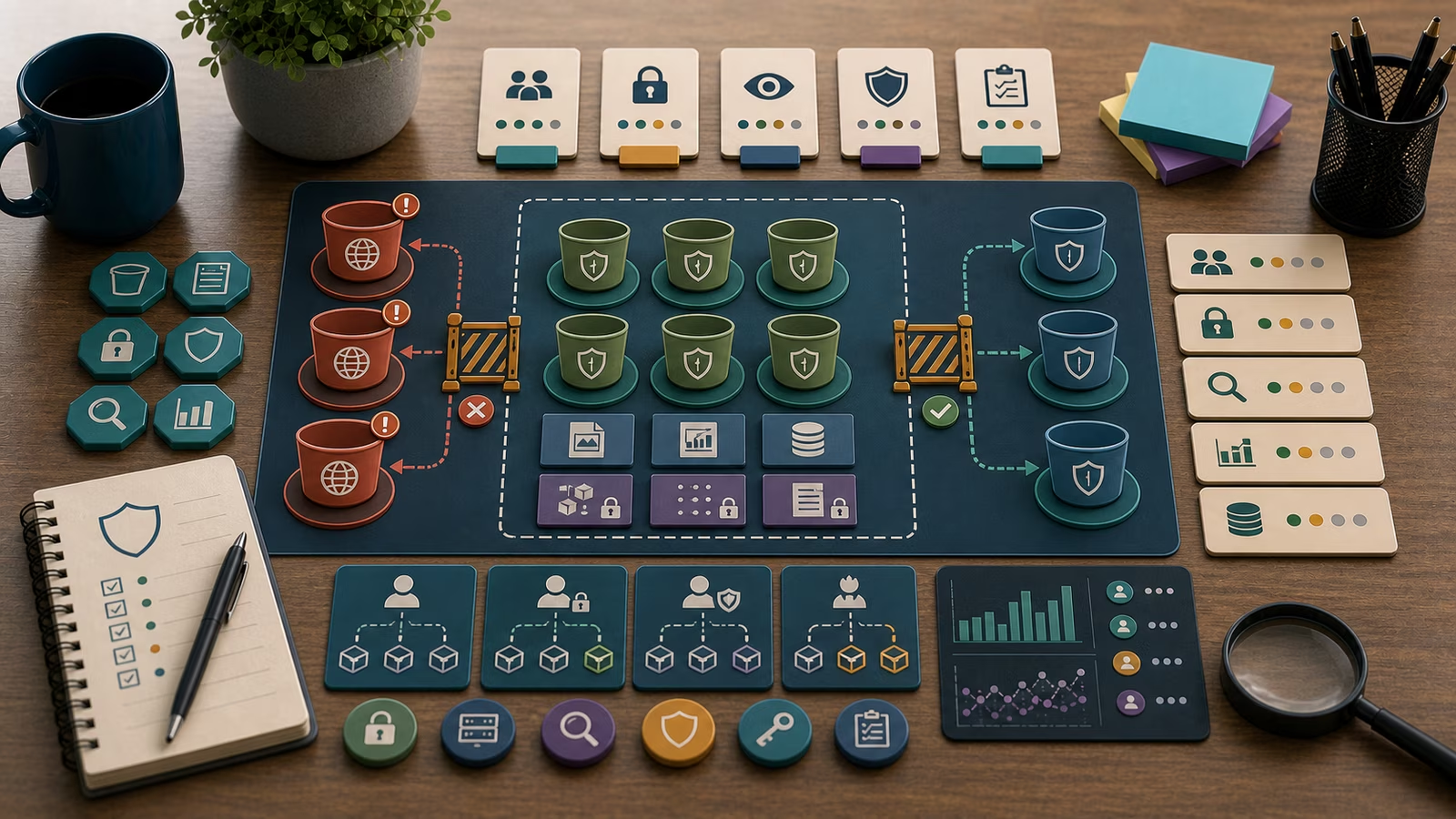
A storage bucket is one of the plainest objects in cloud computing: a named container that holds files and hands them back when something asks for them. That plainness is exactly what makes the mistakes so common. A bucket does not feel like a server, so people forget it can be reached from the open internet, forget that the files inside might be database exports or customer paperwork, and forget that “who can read this” is a setting someone chose rather than a law of nature. Most bucket exposures are not clever attacks. They are a default left in place, a permission copied from a tutorial, or a “make it work for the demo” change that never got reverted.
The useful shift for a defender is to stop thinking about the bucket as storage and start thinking about it as a small public-facing service with three properties you can actually inspect: who can reach it, what it contains, and whether anyone would notice if a stranger read it. Those three questions are calmer and more precise than “is it hacked,” and they map cleanly onto the fixes.
This guide is defensive education. It uses toy examples, observable evidence, and safe reasoning. It does not provide exploit instructions, malware code, credential theft steps, evasion playbooks, target scanning procedures, or operational offensive workflows. If you are handling an active incident, preserve evidence, follow your organization's incident-response plan, and involve qualified responders and legal counsel where appropriate.
How a bucket goes public without anyone deciding it should
Public exposure rarely arrives as a single dramatic toggle. It accumulates. A bucket can be readable because its own access-control setting allows anonymous reads, because a broad policy attached to the bucket grants a wildcard principal, because the whole account is missing the “block public access” guardrail that would override individual mistakes, or because a signed link meant to be temporary was generated with a long life and then shared widely. Each of these is a different control, and each fails in a slightly different way, which is why “the bucket is public” is a starting question rather than an answer.
There is also the difference between listing and reading. Some misconfigurations let a stranger list every object name in the bucket, which is its own leak because filenames often describe their contents. Others let a stranger read a specific object only if they already know its exact path. Others allow both. When you review an exposure, it is worth writing down which of these is true, because “someone could enumerate every export we ever made” and “someone could read one file if they guessed a long random key” carry very different urgency even though both are technically “public.”
Toy example
Picture a fictional design studio called Loomcraft with a handful of cloud projects. During a busy launch week, an engineer needs a teammate to grab a large asset pack, so they change a bucket’s access setting to allow public reads and paste the link into a chat. The launch ships, the link scrolls out of view, and the setting stays. Three months later a routine posture review flags the bucket as internet-readable.
A defender working this calmly does not open with “we are breached.” They write the narrow, checkable version: “The bucket named loomcraft-assets-staging allows anonymous read, it currently contains an asset pack plus two files whose names look like database exports, object listing is enabled, and access logging is off so we cannot yet say whether anything was read.” That sentence is honest about what is known and what is not. The next moves follow from it: confirm the owner and whether the public setting was ever intended, look at whether the “export-looking” files are actually sensitive, and check whether logs exist anywhere else that could tell the access story. Everything here is invented and inspectable; nothing requires touching a real system or reproducing an attack.
What evidence matters?
The strongest evidence about a bucket is its own configuration, exported as data rather than remembered from a console screenshot. The access-control state, the resource policy, the account-level public-access guardrail, the encryption setting, and the object-versioning setting are all readable facts with timestamps and an owner. These tell you what is possible right now. They are the difference between a vague worry and a claim someone can review next week.
The second kind of evidence is contents and classification. A public bucket full of website images is a very different finding from a public bucket holding personal data, financial records, or backups, even when the exposure setting is identical. Knowing what class of data lives in the container is what turns a technical misconfiguration into a business decision about urgency. Pairing this with Data Classification for Cyber Defense keeps that judgment consistent instead of improvised.
The third kind of evidence, and the one most often missing, is access history. Data-access logging for object reads is frequently disabled by default because it costs money and generates volume. Its absence is itself a finding worth writing down, because it decides which questions you can and cannot answer. With read logs you can distinguish “exposed but apparently untouched” from “exposed and fetched by unfamiliar sources.” Without them, the honest note is that you can prove the exposure but not the access, and you should say so rather than guess. The reasoning behind keeping the right records is covered in Logs: What to Keep and Why .
Least privilege is the real fix, not just flipping the toggle
Closing public access stops the immediate bleeding, but the durable fix is narrowing who and what can reach the bucket at all. Buckets are usually read by applications and automation far more than by people, so the right question is which specific identity needs which specific action on which specific prefix. A job that only writes nightly backups does not need read or delete; a service that only serves thumbnails does not need access to the exports folder. Granting narrow, named permissions instead of broad wildcards means that even a leaked credential or a misconfigured policy exposes a slice rather than the whole store. This is the same discipline described in IAM Roles and Least Privilege , applied to storage.
Account-level guardrails matter just as much as per-bucket settings, because they fail safe. A setting that blocks public access across the entire account will override an individual bucket’s mistaken “allow public” choice, so a single tired engineer cannot expose data with one toggle. Turning the whole account’s posture into something you can see at a glance is the subject of Cloud Public Exposure Mapping , and it is usually a better investment than auditing buckets one at a time forever.
Common mistakes and false positives
The most common analysis mistake is treating “public” as a single state. A bucket fronted by a content-delivery layer may be intentionally public for exactly the files it is supposed to serve, and flagging it as an incident wastes attention and trust. Before escalating, confirm whether the exposure matches the bucket’s declared purpose. A marketing-assets bucket that is public by design is a documented exception, not a breach, and it should be recorded as such so the next reviewer does not re-raise it.
The mirror-image mistake is relief without evidence. Finding that read logging was off and concluding “so probably nothing happened” is not a conclusion; it is an absence of one. Similarly, a signed link that expired yesterday does not prove the data behind it was never fetched while the link was live. Keep the two claims separate: what the configuration made possible, and what the access records actually show. Overstating either direction erodes the credibility of the whole review. When a scanner or posture tool raises a finding, treat it the way Vulnerability Scan Findings Without Panic recommends: verify the fact, check the context, then decide.
What to do next
Start with configuration you can export and a plain sentence about what it allows. Confirm the owner and whether the exposure was ever intentional, because an approved public bucket and an accidental one need opposite responses. If the contents are sensitive, treat closing public access as the immediate, reversible step and preserve whatever access history exists before it rotates away. Then move from the single bucket to the pattern: turn on account-level public-access blocking, enable read logging where the data warrants it, and replace wildcard grants with narrow, named permissions.
If the finding turns into a genuine incident, stop experimenting and switch modes. Preserve the configuration and logs as evidence, follow your incident-response plan, communicate through approved channels, and bring in qualified responders and legal counsel where personal or regulated data is involved. For learning, keep every example fictional and practice the harder skill: writing findings that separate what you can prove from what you merely fear.
How this guide was made
This page is defensive education assembled from public frameworks and openly published cloud-security guidance, illustrated with an invented studio and toy data. It makes no claim to certification, compliance sign-off, legal advice, or incident-response authority, and it deliberately avoids exploit detail so it stays useful for safe study rather than operational misuse.
Official references
For grounding beyond this guide, the NIST SP 800-63-4 Digital Identity Guidelines frame how identities and their access should be reasoned about, while the CISA Secure Cloud Business Applications Project offers concrete secure-configuration baselines for cloud services. The CIS Critical Security Controls v8 place data protection and access control in a broader control set, and the CISA Known Exploited Vulnerabilities Catalog is a reminder that misconfiguration and unpatched exposure often travel together. Treat all of these as orientation, not as a certificate of safety.
Related guidebooks
If a bucket finding turns out to be identity-driven, continue with IAM Roles and Least Privilege and OAuth Consent and SaaS App Risk . To see exposure across a whole account rather than one container, read Cloud Public Exposure Mapping , and to extend the same trust-what-you-can-verify habit to the software you run, Container Image Trust is a natural next step.