A single process almost never announces itself as hostile. It looks like software, because it is software, and the ones worth a defender’s attention are usually familiar programs wearing the wrong clothes: a trusted name living in a folder it should never occupy, a modest utility running with far more privilege than its job requires, or a program whose lineage makes no sense for the work the machine was doing. Suspicion, in endpoint telemetry, is not a feeling about a scary-looking name. It is a set of specific, checkable mismatches between what a process claims to be and where, how, and under whom it is actually running.
This guide is defensive education. It uses toy examples, observable evidence, and safe reasoning. It does not provide exploit instructions, malware code, credential theft steps, evasion playbooks, target scanning procedures, or operational offensive workflows. If you are handling an active incident, preserve evidence, follow your organization's incident-response plan, and involve qualified responders and legal counsel where appropriate.
The four questions behind every odd process
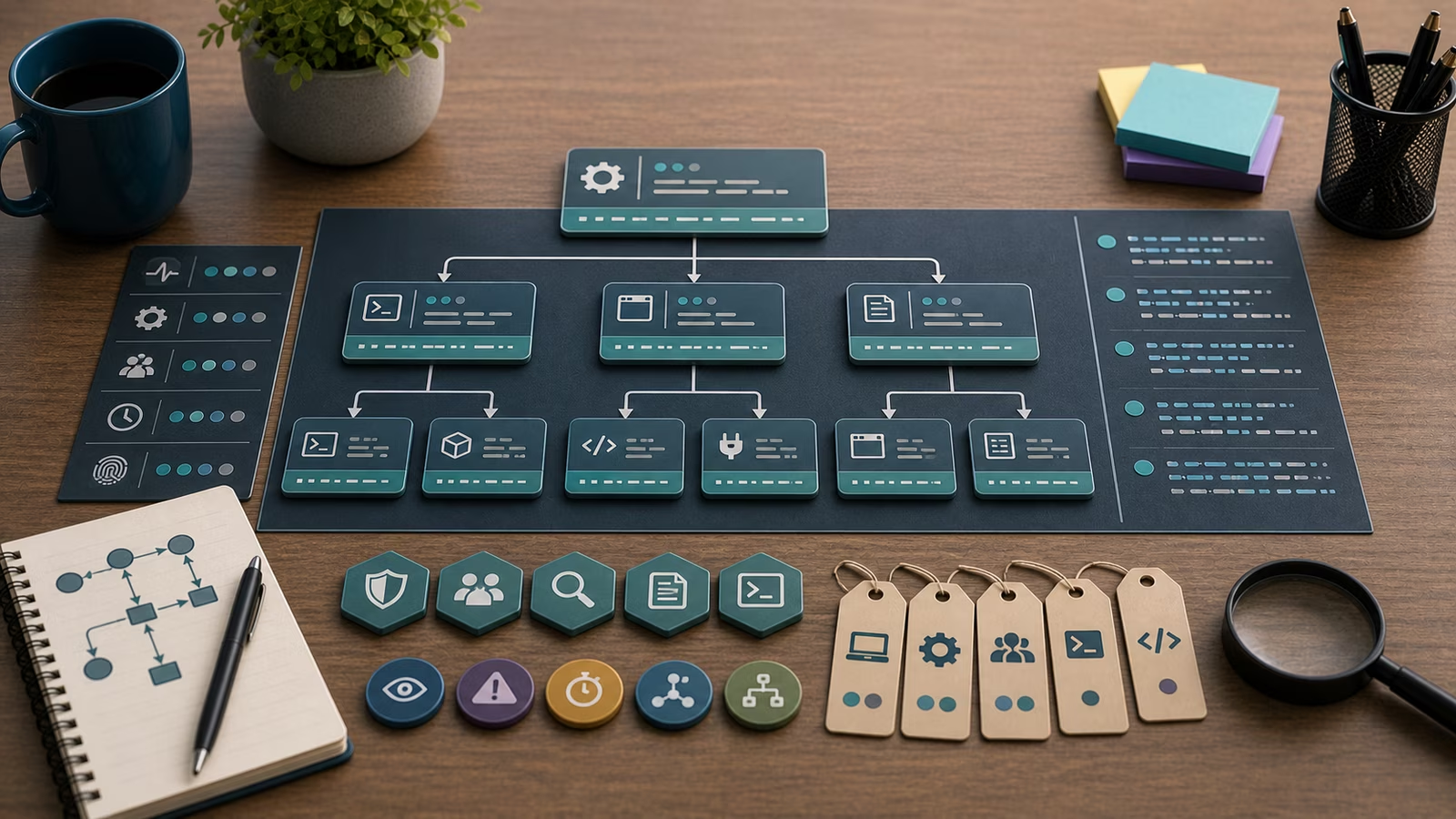
When a process draws attention, the useful questions cluster into four themes: name, location, privilege, and ancestry. Name asks whether the program is what it claims to be, or a near-miss impostor, a familiar label with a transposed letter or a generic word chosen to blend into a list. Location asks where the executable was launched from, because trusted programs live in predictable, protected folders, and the same name running from a temporary directory, a user’s downloads area, or a world-writable path is a different object with a different story. Privilege asks whether the account and rights the process holds match the modest work it appears to be doing. Ancestry asks who started it, the theme explored at length in Processes, Parents, and Command Lines .
No single one of these is a verdict. A program can run from an unusual folder for entirely legitimate reasons, and plenty of trusted software carries broad privileges by design. The signal strengthens when several of the four line up at once: an odd name, in an odd place, with more privilege than it needs, launched by a parent that should never have launched it. That convergence is what turns a shrug into a note worth writing down.
Names and locations that don’t fit
Naming tricks are attractive to unwanted software because human eyes skim. A defender scanning a long list of running programs will glide past a familiar-looking name without pausing, which is exactly the reaction that impersonation relies on. The defensive countermeasure is to stop reading the label and start reading the full path and the digital signature. A genuinely trusted program sits in a known location and carries a valid signature from a known publisher; a copy of that name sitting somewhere else, or carrying no signature at all, has broken the part of the story that is hardest to fake.
Location is often the more honest signal, because attackers frequently have to stage their tools somewhere writable and unprotected. Temporary folders, caches, user profile subdirectories, and shared scratch space are convenient for that staging and, importantly, are not where operating-system components normally live. A defender who knows the handful of legitimate homes for system tools can treat “right name, wrong neighborhood” as a reliable prompt to look closer, while still remembering that installers, portable applications, and developer workflows legitimately run programs from unusual paths too.
When privilege and ancestry disagree with the task
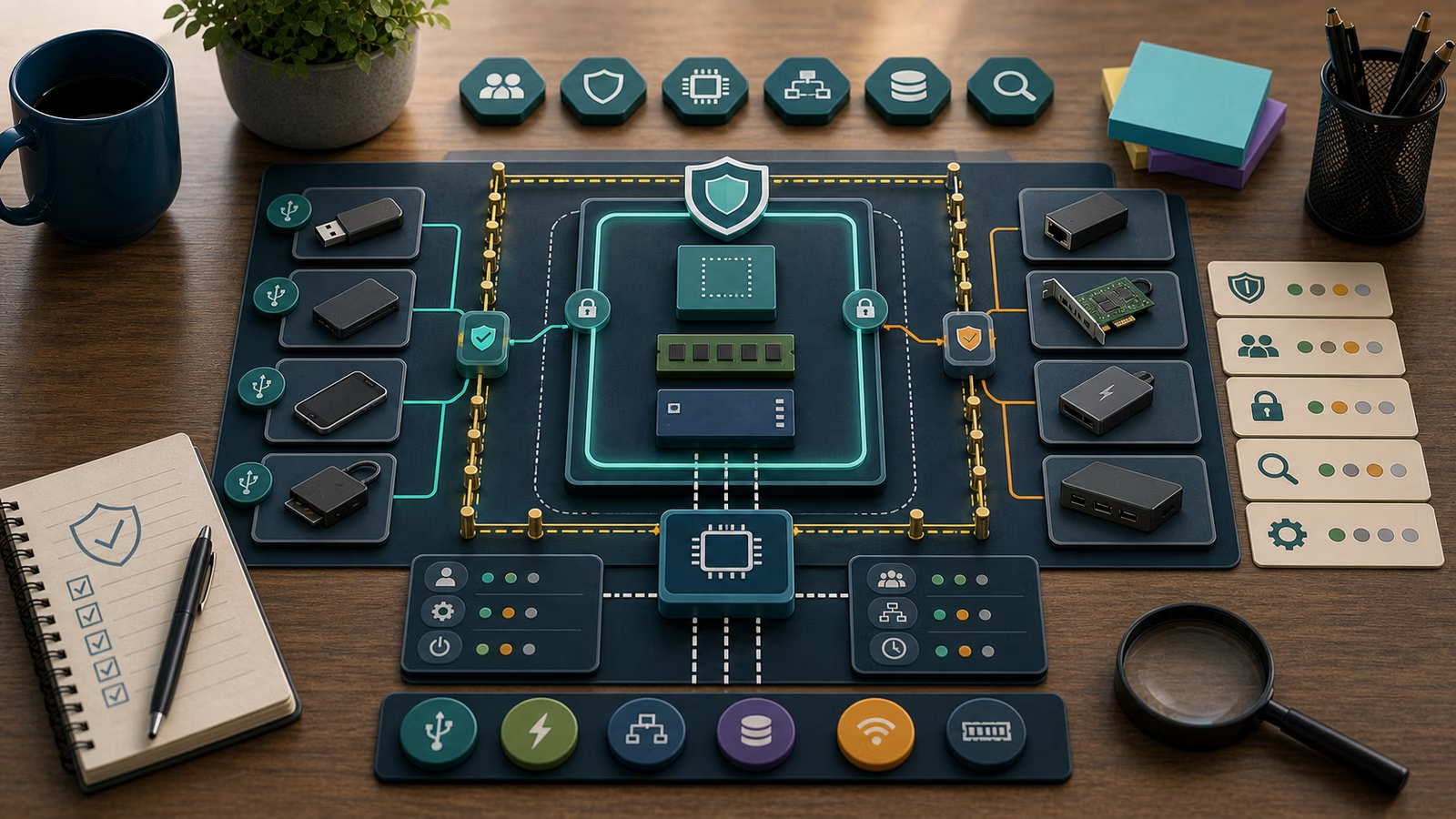
Privilege mismatch is one of the most informative indicators because it ties directly to what an attacker usually wants: the ability to do more than an ordinary user can. A small helper that quietly runs with administrative rights, or a user-facing application that has somehow acquired system-level power, is worth understanding, because that gap between task and privilege is the ground on which escalation attempts play out. The broader mechanics live in Privilege Escalation Signals , but the endpoint-level version is simple to keep in mind: match the rights against the job, and be curious when they diverge.
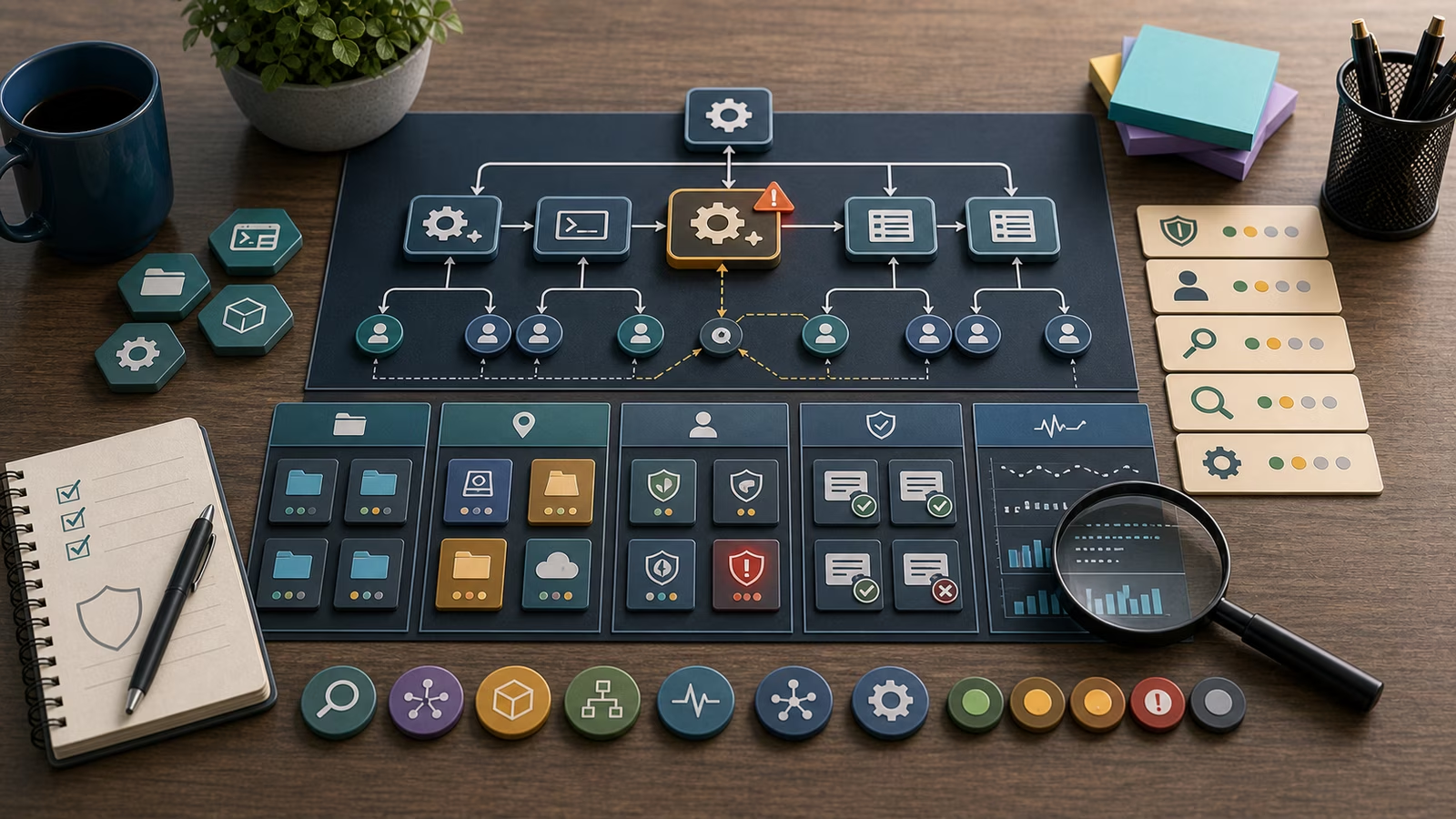
Ancestry ties the whole picture together. A suspicious name in a suspicious location running with surprising privilege becomes far more concerning when its parent is also wrong, for example a document viewer or a print component appearing as the ancestor of a general-purpose interpreter. Behavior over the following seconds adds the final layer: whether the process immediately reached out to the network, spawned further children, or began touching many files quickly. Those behavioral tails connect to Network Connections: Ports, Protocols, and Remote Hosts and to file-activity signals, and they help separate a merely unusual process from one that is actively doing something.
Toy example
Consider a fictional accounting firm, Harbor & Vale, with an internal file server named Ledger and a dozen staff laptops. A defender reviewing endpoint telemetry spots a process named after a common system utility, but running from a subfolder inside a user’s profile rather than the protected system directory where the real utility lives. It holds administrative privilege, and its recorded parent is a spreadsheet application opened by an accountant named Devon.
The defender resists the urge to announce a breach and instead writes the narrowest accurate claim: “A system-utility name is running from Devon’s profile folder, unsigned, with admin rights, parented by a spreadsheet app, first seen at 9:47 in the morning.” Then they weigh explanations. Could a legitimate add-in or macro-enabled workbook have unpacked a helper there? Is there an approved automation for that team? Would a real installer ever place a signed system tool in a personal profile folder? Each question points at a piece of evidence, and together they move confidence up or down without anyone guessing. The exercise is deliberately fictional, and the reasoning is the product.
What evidence matters?
The evidence that carries the most weight is the combination that lets you answer the four questions with records rather than impressions: the full executable path, the digital signature status and publisher, the account and privilege level, the parent process, the launch time, and the command line. Behavior recorded immediately after launch, new child processes, outbound connections, or a sudden burst of file writes, adds a second dimension that shows what the process did rather than merely what it was.
That evidence is strongest when it is timestamped, attributable to a named source, and reproducible from stored telemetry instead of memory. A screenshot helps a responder recall a moment; exported endpoint logs, an owner’s account of what they were doing, and the relevant change record let another person reach the same conclusion later. Whether those records exist depends on retention, which is why Logs: What to Keep and Why is a natural companion. Keep confidence explicit and claims narrow: “this process is unusual for this host and owner” is provable from the tree, while “this host is compromised” needs considerably more.
Common mistakes and false positives
The classic mistake is judging a process on its name alone, without checking path, signer, account, and parent. Impersonation depends on that shortcut, so refusing to take it is half the defense. A second is treating one indicator, or one signature-scanner hit, as a finished diagnosis rather than a single observation that still needs corroboration from the other three questions. A third is collecting more and more telemetry without first deciding which question the extra data is supposed to answer.
A great deal of legitimate software looks suspicious under this lens. Backup agents, search indexers, endpoint-management tools, and developer build systems run from varied locations, hold broad privileges, spawn children, and touch many files, all behaviors that overlap with the patterns defenders watch for. Portable applications legitimately run from user folders, and freshly installed or freshly updated software may briefly lack a recognized reputation. A false positive worked through carefully is not a failure; it leaves behind a sharper baseline of what is normal for that host, a clearer owner note, and a better-tuned alert. The paired dangers are panic, which treats every unsigned helper as an intrusion, and dismissal, which explains away a genuinely anomalous process because “that kind of tool is normal.”
What to do next
Scale the response to the confidence and the stakes. For a low-confidence oddity, confirm with the asset owner and compare against a known-good baseline for that role before doing anything more. For something with several indicators aligned, especially where administrative privilege or sensitive data is involved, preserve the relevant endpoint records, open a ticket, and check the account’s reach across other systems. Always write what you observed separately from what you concluded, so a later reader can tell evidence from inference.
If something is live and causing harm, do not tinker with the endpoint. Preserve evidence, follow your incident-response plan, use approved communication channels, and involve qualified responders. When you are practicing rather than responding, keep the scenario invented, with fictional hosts and users and toy data, and stay firmly on the defensive side of the material described in Safe Cyber Learning Boundaries .
How this guide was made
This page is defensive education drawn from public frameworks and openly published guidance, used for orientation rather than as a checklist to certify against. Its examples are intentionally fictional and free of operational detail so it stays safe to learn from. It makes no claim to certification, compliance, legal advice, incident-response authority, or exhaustive coverage.
Official references
The MITRE ATT&CK Enterprise Matrix documents the execution and defense-evasion techniques that give odd names, locations, and lineage their meaning to a defender. The NIST SP 800-61 Rev. 3: Incident Response Recommendations show how to weigh that endpoint evidence calmly during analysis, and the CIS Critical Security Controls v8 describe the endpoint audit and logging safeguards that surface reliable process data. Use them as orientation, not as proof of readiness.
Related guidebooks
Read this alongside Processes, Parents, and Command Lines , which explains the ancestry and argument context that many of these indicators depend on, and Network Connections: Ports, Protocols, and Remote Hosts , which follows what a suspicious process does next. Keep Logs: What to Keep and Why close so the evidence you need is still available when a process raises a question.