Runtime estimates are simple until the fine print shows up. The basic math is friendly: usable watt-hours divided by load watts equals runtime hours. If a battery has 1,000 usable watt-hours and the load averages 100 watts, the clean answer is 10 hours.
The useful answer is a little less tidy. Inverters waste some energy while turning battery power into household AC power. Some devices draw power even when they look idle. Cold temperatures can reduce capacity. Battery settings may hold a reserve. Motors and compressors may surge at startup. Solar input may be slower than the marketing photo suggests. Runtime math is still easy, but it has to describe the real setup.

Start With The Load You Actually Care About
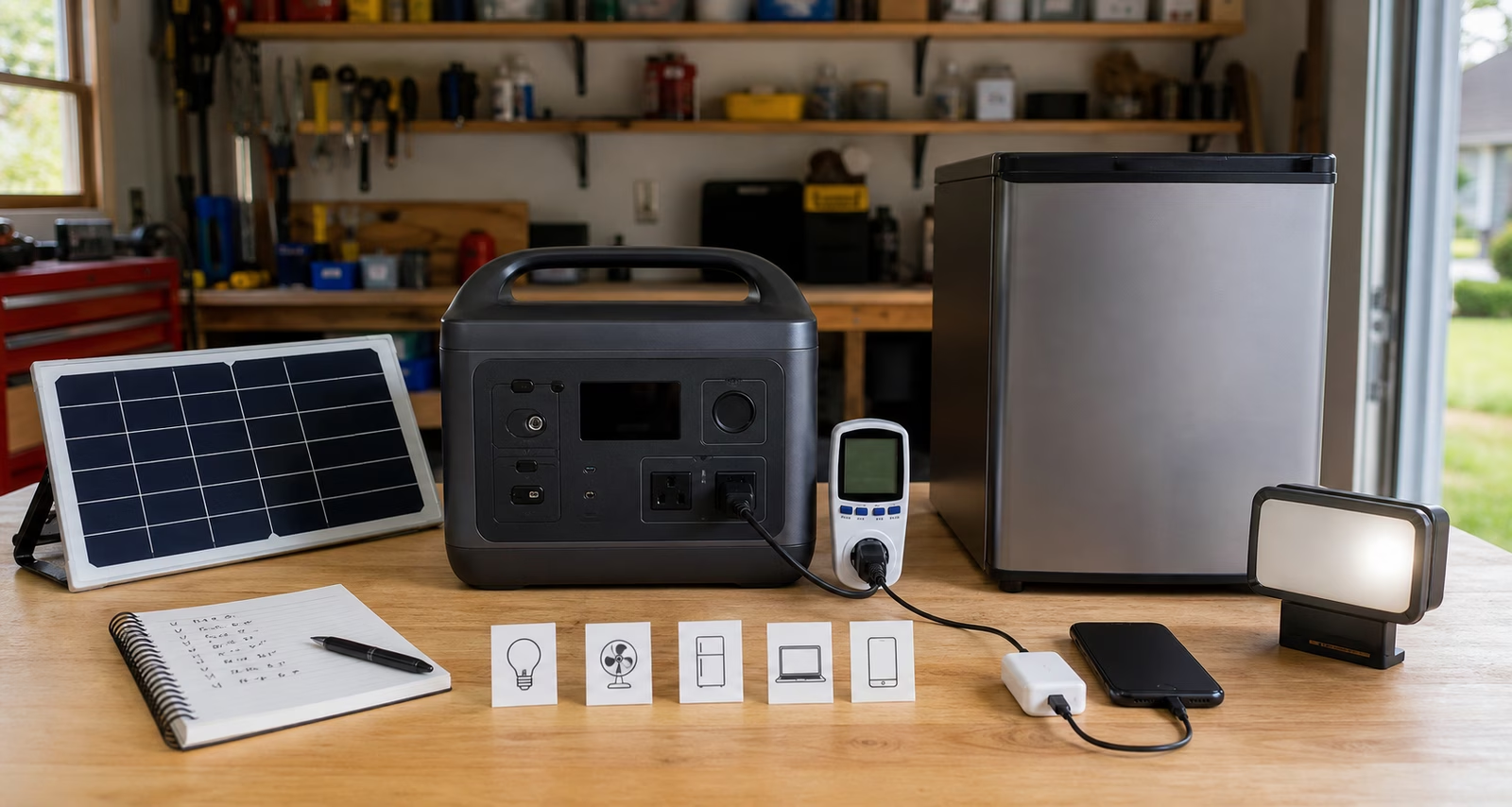
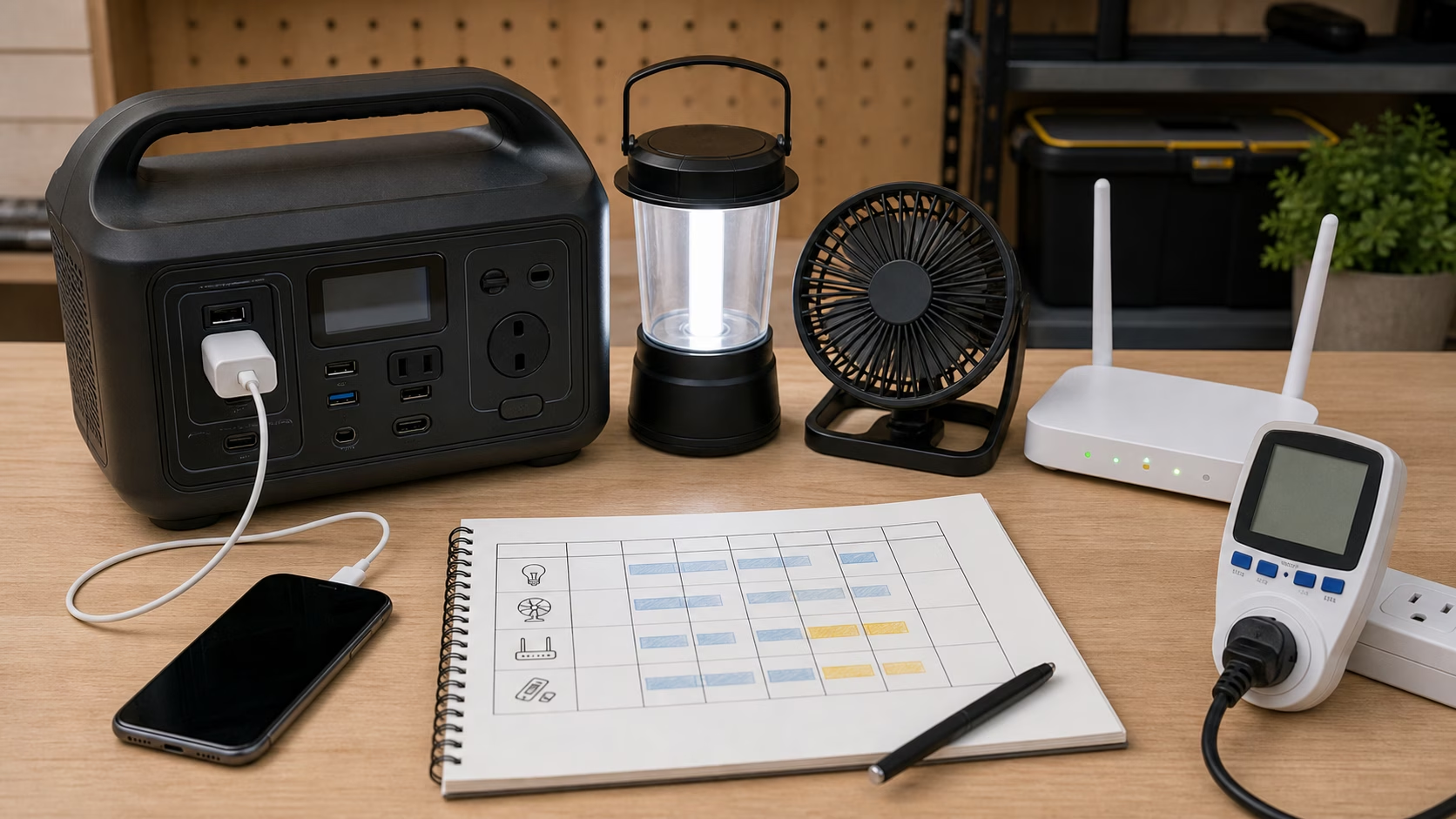
Imagine the outage you are planning for. Not the whole house in an abstract sense, but the specific evening: the router stays up, one lamp is on, phones charge, and a laptop gets a few hours of work. If the router and network gear average 25 watts for 12 hours, that is 300 watt-hours. If lamps average 20 watts for six hours, that is 120 watt-hours. A phone charging budget might be 60 watt-hours. A laptop might need 240 watt-hours for a work block. Before margin, that small plan is already around 720 watt-hours.
Now the battery label starts to mean something. A 1,000 Wh unit may be enough for that gentle plan if the usable capacity and inverter losses cooperate. Add a refrigerator, sump pump, medical device, CPAP, aquarium, or space heating load, and the story changes immediately. Recalculate instead of assuming.
Use A Realistic Formula
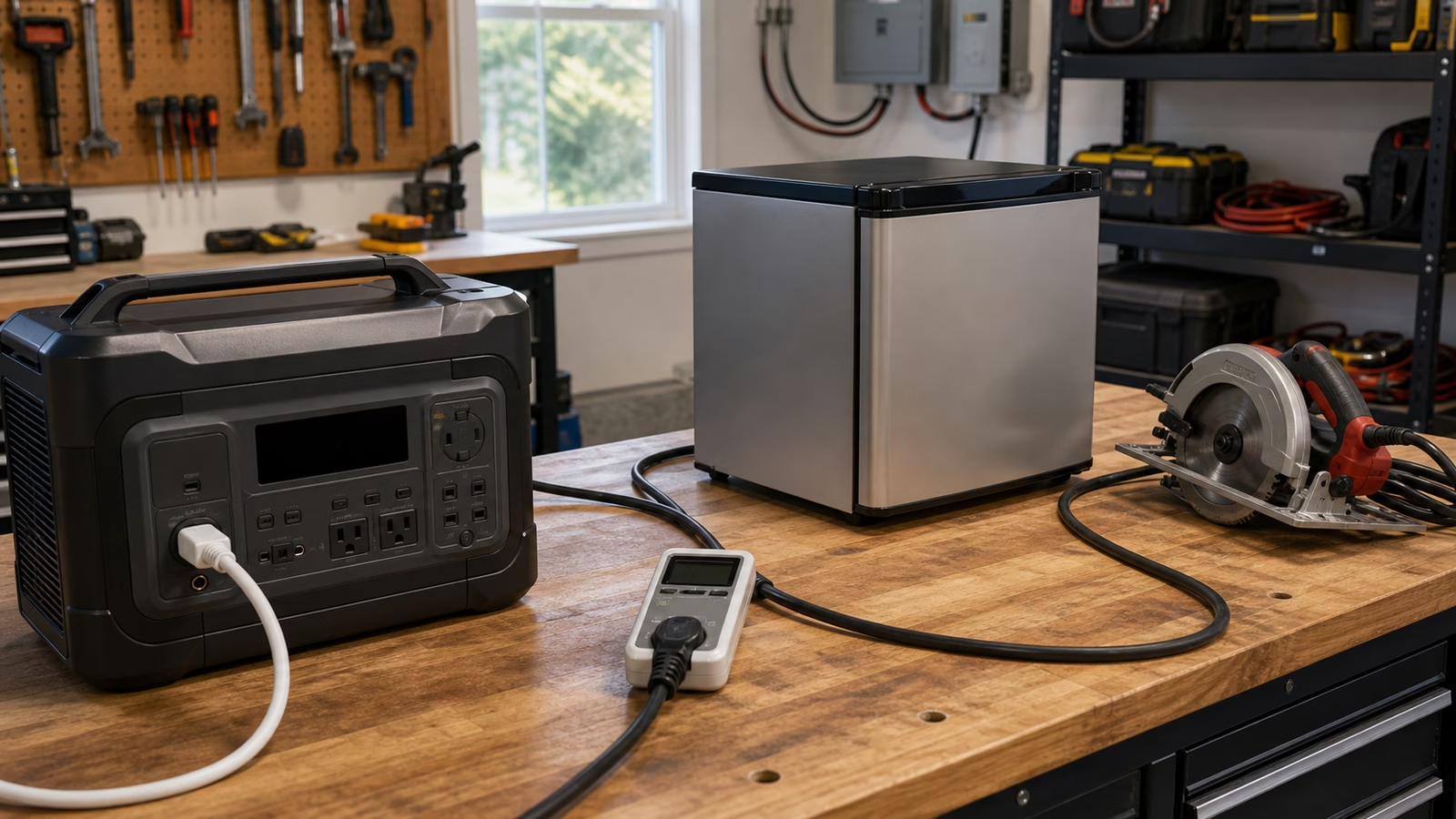
The better planning formula is usable Wh x efficiency factor / average watts = runtime hours. For many AC loads, a conservative efficiency factor might be 0.8 to 0.9, though manufacturer guidance and actual testing are better. For DC outputs, the losses may be different. For cycling loads like refrigerators, average draw matters more than the momentary running wattage, but startup surge still matters for the inverter.
This is why a plug-in power meter can be such a useful little tool. It turns ordinary plug loads from guesses into measured habits. Let the refrigerator, router, or office setup run long enough to show real behavior, then build the battery plan around the numbers you saw.
Remember That Runtime Is Not The Only Limit
A battery can have enough energy and still fail the job if the inverter cannot start the load. It can have enough output and still run out quickly if the load is larger than expected. It can support pass-through charging in one mode but not another. It can accept only limited solar input, which means a large solar panel array may not recharge it as quickly as you imagine. Cable losses, adapter limits, cold storage, and reserve settings all nibble at the clean math.
The buying question should never be “How many days will it run my house?” That question is too vague to answer honestly. Ask how many watt-hours are usable, what the selected loads draw on average, what the continuous AC output is, what surge the inverter can handle, and how the battery will recharge after the first night.
That keeps the purchase grounded. For a broader system view, read Backup Power Sizing .
Apply this guide as a decision record
Use Battery Runtime Calculator: Turn Watt-Hours Into Realistic Backup Time to turn a vague household question into a checkable one. Its scope is specific: A practical method for estimating how long a portable power station or home battery will run your selected loads. Before changing the setup, write down the condition you are trying to change, the constraint that matters most, and the evidence you still lack.
For a first pass through battery runtime calculator, compare the current state with a relevant baseline and record one observation, measurement, or conversation. Make the smallest reversible change available. Keep the manual, model number, room condition, schedule, or maintenance note beside the decision so a future check does not depend on memory. Keep battery runtime, calculator, watt-hours in view as separate signals instead of treating them as one verdict.
A useful follow-up asks whether Battery Runtime Calculator: Turn Watt-Hours Into Realistic Backup Time improved the named problem without creating a new one. Check the tradeoff that fits this subject — heat, noise, comfort, water, power, wear, effort, or cost — and describe the result in plain language. If a boundary is safety-critical, stop at the guide’s limit and bring the details to a qualified local professional.
The conclusion for battery runtime calculator should stay narrow. Record what was observed, which condition made the result possible, what maintenance keeps it dependable, and what would make you revisit the choice. That turns a guidebook into a decision record you can use again rather than a promise to remember.