The manual is the cheapest and most overlooked repair tool you own. It tells you the part numbers, the disassembly order, the reset sequence, and the exact torque or clearance that turns guesswork into a real fix. The problem is that searching for a manual online drops you into one of the internet’s grubbier neighborhoods, a thicket of sites that mirror manuals only to wrap them in fake download buttons, required “viewer” installers, and pop-ups that mimic your operating system. The good news is that the manufacturer almost always hosts the real document for free, and a little discipline about model numbers and domains gets you to it without ever touching the junk.

Start from the model number, not the nickname
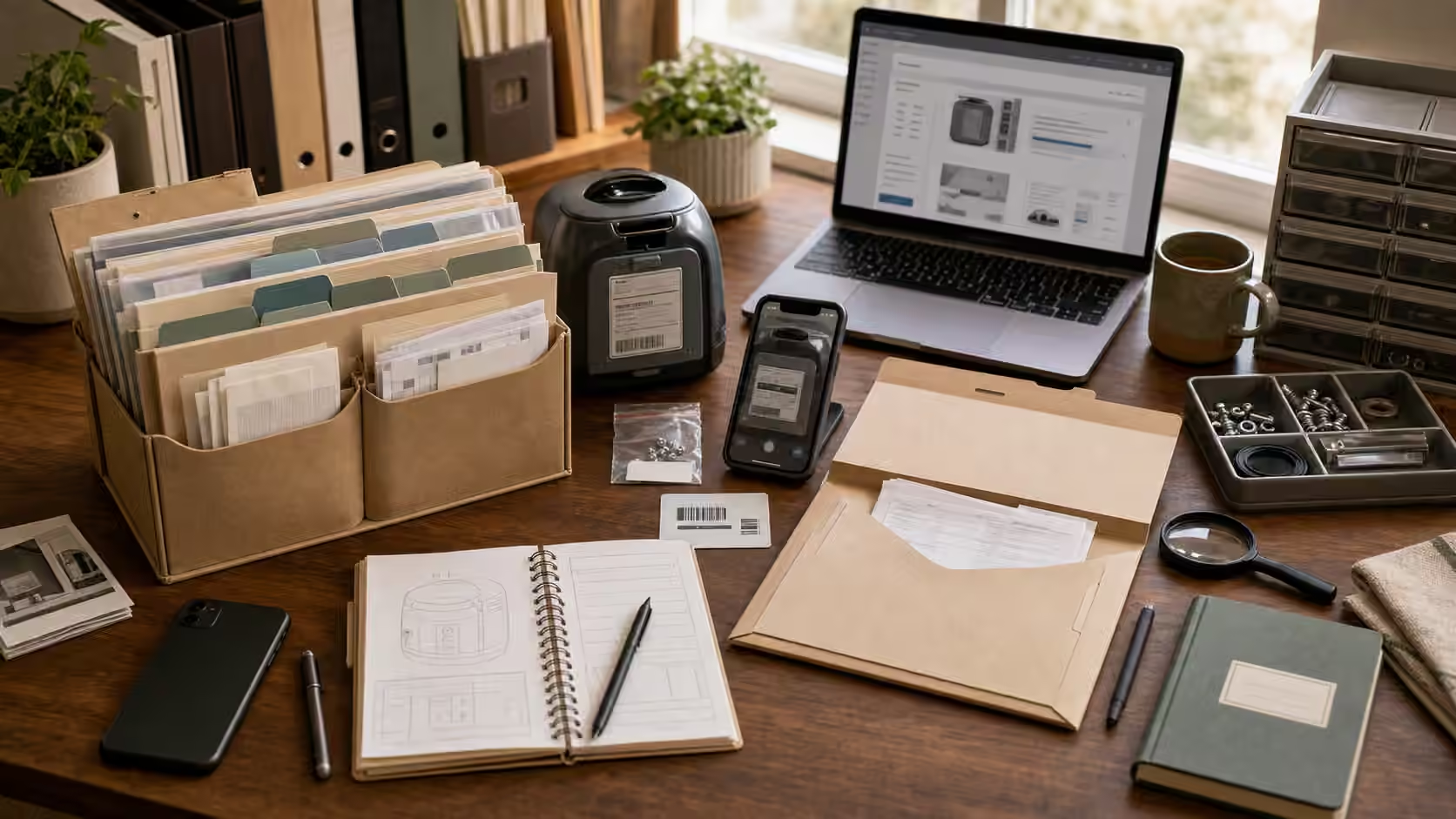
Nearly every failed manual search fails at the very first step, because the searcher types what they call the thing instead of what the manufacturer calls it. “My gray coffee maker” and even the marketing name on the box are not enough; you want the full model number, including the suffix that distinguishes revisions and regional variants. That string is stamped on a label somewhere unglamorous: the underside, the back panel, inside a battery door, on the frame behind a drawer, or on a sticker inside the cabinet. Photograph it with your phone rather than trying to remember it, because a single transposed character sends you to the wrong document, and using the wrong manual for safety-relevant steps is genuinely dangerous. The suffix matters most on exactly the products where getting it wrong costs the most, so treat that photo as the real start of the job.
Go to the source domain, and recognize it
With the exact model number in hand, search the manufacturer’s name plus that number plus the word “manual,” and then slow down before you click. Look at the actual domain in each result, not the bold headline. The manufacturer’s own support site, a major retailer’s product-support page, or a recognized standards body is where you want to land. The mirror sites reveal themselves quickly once you know the tells: a domain that is a jumble of words unrelated to the brand, a page plastered with several different large green “Download” buttons, a demand that you create an account or “verify you are human” before seeing a document that should be public, or a countdown timer pressuring you to act. Sponsored results at the top of a search are not automatically bad, but they are also not automatically the manufacturer, so read the address before you trust the ranking.
Open before you save, and check that it matches
When you reach a genuine PDF, open it in your browser’s built-in viewer first rather than downloading it blind. Modern browsers render PDFs safely in a sandbox, and viewing before saving lets you confirm you have the right document while a malicious file, if you somehow landed on one, never gets a foothold on your machine. Once it is open, verify it actually belongs to your object: the model number on the cover or specification page should match the one you photographed, the diagrams should show your product’s real layout, and the safety warnings should describe your device rather than a cousin of it. A legitimate manual usually carries a revision date or document number; if the version you found is years out of step with your product, keep looking, because service procedures and part numbers do get corrected between revisions.
The traps that should make you close the tab
A few requests should end the search immediately, no matter how much you want the document. Nobody legitimate needs to install a special “downloader” or browser extension to hand you a free PDF. Nobody legitimate asks for payment to unlock a manual the manufacturer publishes for free, and nobody legitimate needs remote access to your computer to help you read one. If a page pushes any of these, close the tab and go back to the manufacturer’s support site directly by typing its address rather than following a search result. The manuals themselves are almost always free; the only real cost of doing this well is the patience to get the model number exactly right and to read domains carefully instead of clicking the first big button.
Save it now, so future-you does not repeat this
The best time to download a manual is the day you buy a durable object, not the frantic evening it breaks. Grab the PDF from the official source, rename the file to include the model number so you can actually find it later, and drop it into the same warranty folder where you keep receipts and photos. A small collection of correctly named manuals is one of the quietest, highest-return habits a keeper can build, because it means every future repair starts from the real document instead of a stressed search. Note in your Save Log where you found each one, so you can go straight back to that source when a service bulletin or updated revision appears.
Finding the manual is really the research half of a larger habit of knowing what you own well enough to fix it. Storing it lives naturally alongside the warranty folder , and the manual’s exploded diagrams feed directly into buying the right component, which is the subject of replacement parts: OEM, aftermarket, salvage, and red flags . When the manual tells you the repair is beyond a home job, how to ask for a repair quote and photographing a problem before you take it apart carry the same evidence-first thinking into the handoff.