
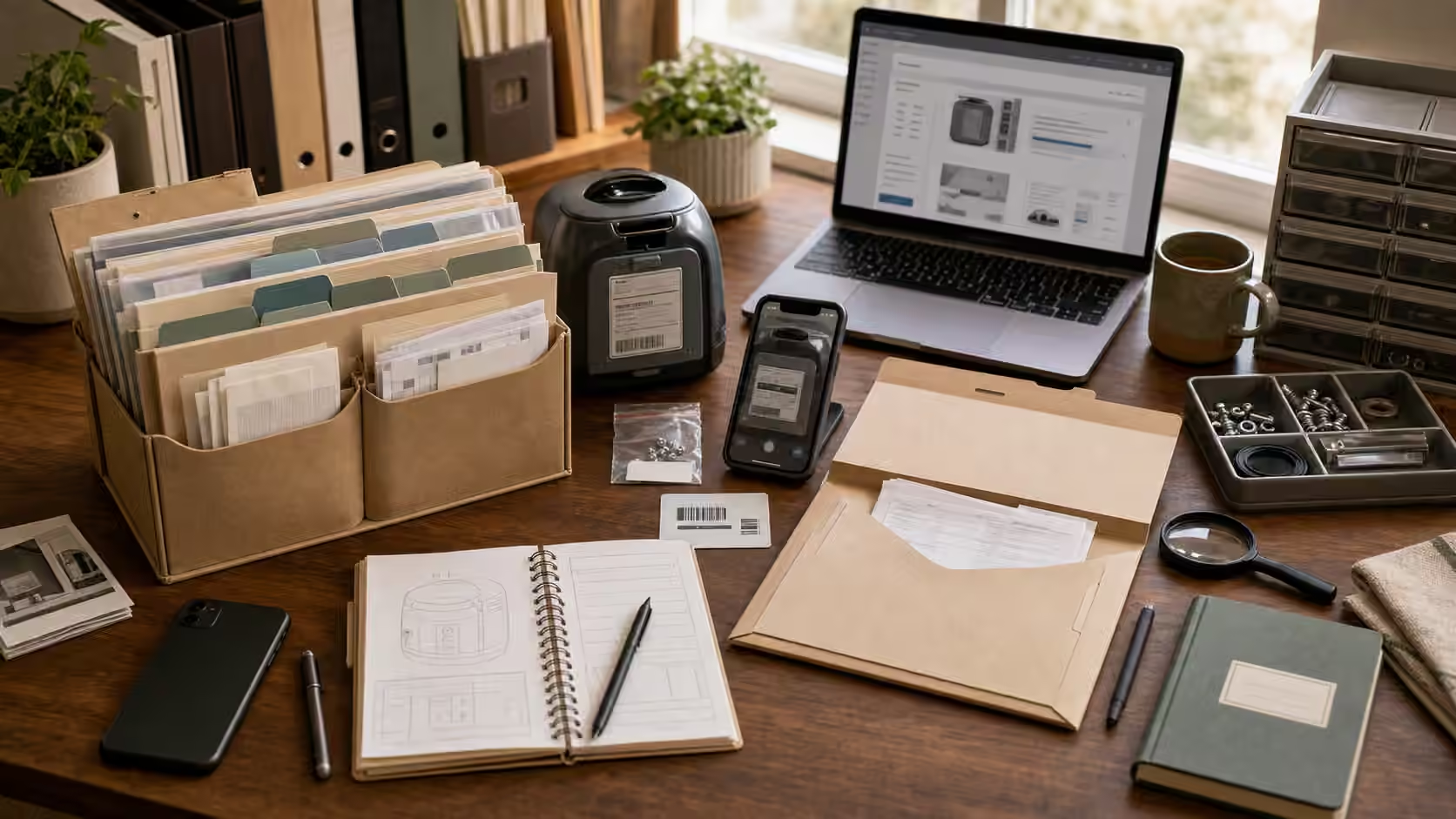
Almost every frustrating repair conversation starts the same way: someone stands in front of a dead appliance or a torn bag, phone in hand, trying to remember where they bought it, when, and what it was even called. The warranty folder exists to end that scramble. It is not filing for its own sake. It is the small habit that turns a panicked afternoon into a five-minute lookup, and it quietly decides whether a broken thing gets fixed under coverage, repaired cheaply with the right part, or thrown out because proving anything felt like too much work.
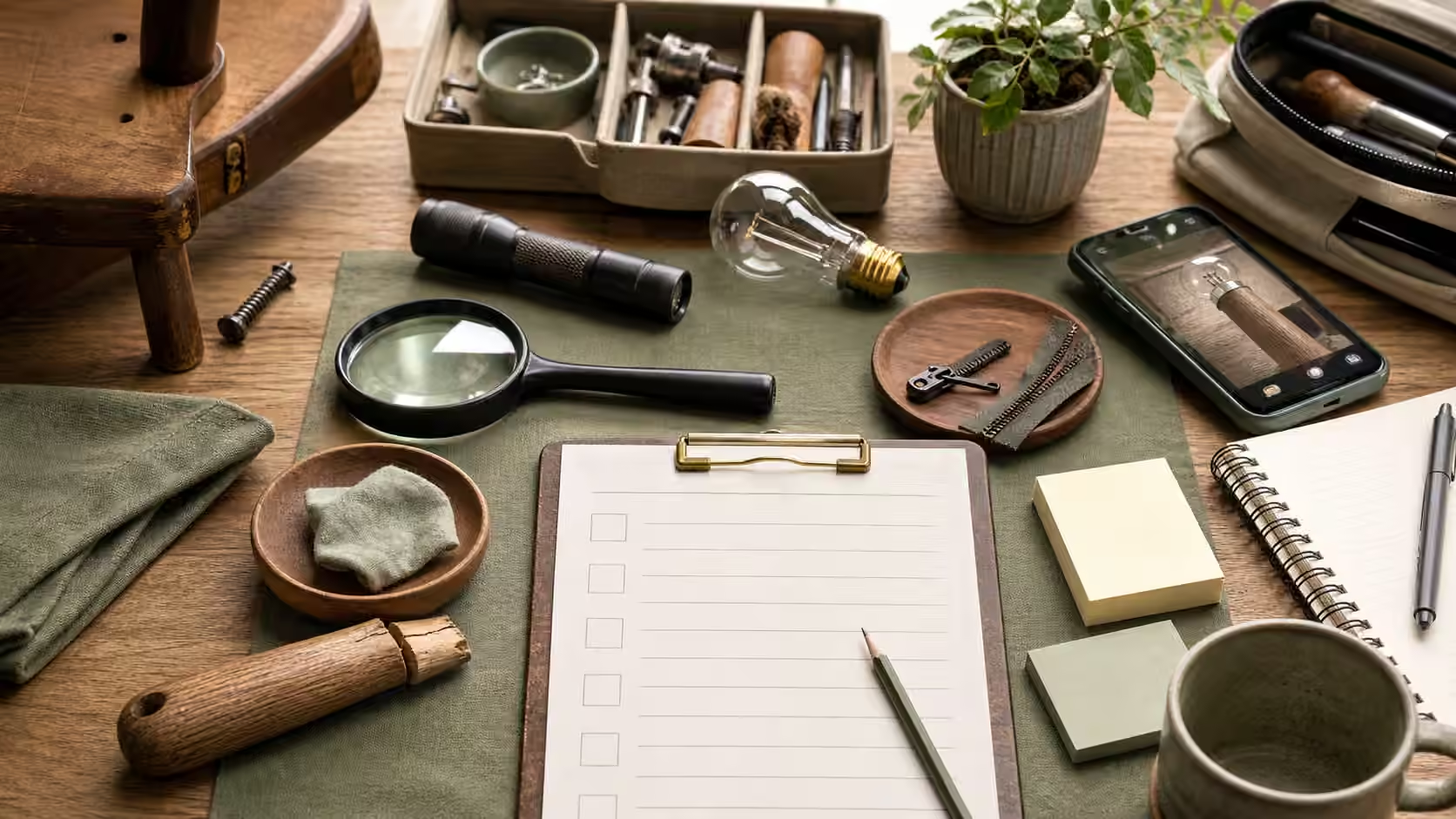
Why documentation is a repair skill
It is easy to think of paperwork as the boring cousin of real repair. In practice, the folder is often the deciding factor in whether a repair happens at all. A warranty claim usually turns on three pieces of evidence: proof that you own the item, proof of when you bought it, and proof that it failed within the covered window through no fault of your own. Miss any one of those and even a legitimate claim can stall. The folder is where you keep that evidence ready before you need it, because the moment you need it is always the moment it is hardest to reconstruct.
There is a second, quieter payoff. A good folder makes you a better shopper. When you can see that a mid-priced blender lasted eleven years and a premium one died in two, you stop guessing about durability and start buying from your own recorded experience. Documentation is how ownership gets smarter over time instead of resetting to zero with every purchase.
The four things worth capturing
You do not need to catalogue everything you own. Focus on durable goods: appliances, electronics, tools, furniture, luggage, anything you would be annoyed to replace. For each of those, four pieces of information do most of the work. The receipt or order confirmation establishes the purchase date and price. The model and serial number, usually stamped on a plate on the back or underside, is the single most useful string of characters you can record, because it unlocks manuals, parts diagrams, recall lookups, and support scripts. The manual, saved as a PDF, tells you what maintenance the maker expects and what the warranty actually covers. And a few photos of the item when it is new and working give you a baseline that a claims adjuster or insurer can compare against later.
The trick is to capture these once, early, while the object is accessible and the box is still in the hallway. The worst time to photograph a model plate is after the machine has failed and been shoved back against the wall.
Building the folder without turning it into a project
Keep the system boring and it will survive. A single cloud folder with a subfolder per room or per category is enough for most households, and it has the advantage of being searchable and backed up. Photograph the model plate and the receipt with your phone, and let a scanner app flatten and crop them into clean PDFs. Name each file so that a stranger could understand it: “kitchen-fridge-model-and-serial” beats “IMG_4471” every time. If you prefer a physical folder, that works too, but pair it with photos, because thermal receipts fade to blank within a year or two and a faded receipt is no receipt at all.
A short index helps more than it should. A simple note or spreadsheet listing the item, purchase date, model number, and where the manual lives means you never have to open ten files to answer one question. That index is the part you will actually use during a claim.
When you are hunting down a manual to save, get it from the manufacturer’s own support site rather than a random search result. Sketchy mirror sites bundle malware into “free manual” downloads, and the official PDF is usually easier to find than the fakes suggest. Our guide to finding a manual without downloading malware walks through the safe route.
Using the folder when something breaks
The folder earns its keep at the moment of failure. Before you call support, spend a minute writing one plain sentence about what changed: what the object did, when it started, what still works, and what would make it unsafe to keep using. Pair that with the model number and photos, and you walk into the support call already answering the questions they were about to ask. This is also the moment to check whether coverage exists beyond the obvious. Many credit cards extend the manufacturer warranty automatically, some retailers offer their own protection windows, and a recall may cover the exact failure you are seeing at no cost. None of that helps if you cannot prove what you own.
One caution worth repeating: warranty and support scams are common. A genuine claim will not ask you to pay an upfront fee, install remote-access software, or hand over passwords and full card numbers. If a “support” interaction veers in that direction, stop and reach the manufacturer through the contact details on their official site rather than a number from a search ad or an unsolicited email.
When the folder points toward replacement
Good documentation sometimes tells you to let go, and that is a feature, not a failure. If the serial number turns up no available parts, if the item sits outside every coverage window, or if the repair would cost more than the object is worth to you, the folder has done its job by making that clear quickly. Deciding to retire something well, with its model number logged so you can buy a better version next time, is squarely within the keeper mindset. If you want a structured way to weigh that call, the repair cost rule offers a simple test.
Keeping it alive
A folder that never gets updated slowly becomes fiction. The rhythm that works is to add to it at natural moments: when you buy a durable item, when you have something serviced, when you move, and when you sell or give something away. Each of those is a moment you are already handling the object and its paperwork, so capturing it costs almost nothing. Tie the habit to something visible, whether a recurring calendar note or an entry in your Save Log, because maintenance that lives only in memory tends to evaporate during a busy month.
When you do close out a repair, whether it went through warranty or not, add a line to the Save Log: the object, the date, the symptom, the model and part numbers, who fixed it, what it cost, and one sentence on whether you would do it again. That last sentence is how a single save turns into a better decision the next time something breaks. Over a few years, the folder stops being an archive and becomes something closer to a maintenance memory for your whole household. For the wider decision of who should handle a given fix, see Repair Cafe, cobbler, tailor, maker space, or manufacturer , and for capturing evidence before you open anything up, how to photograph a problem before you take it apart .