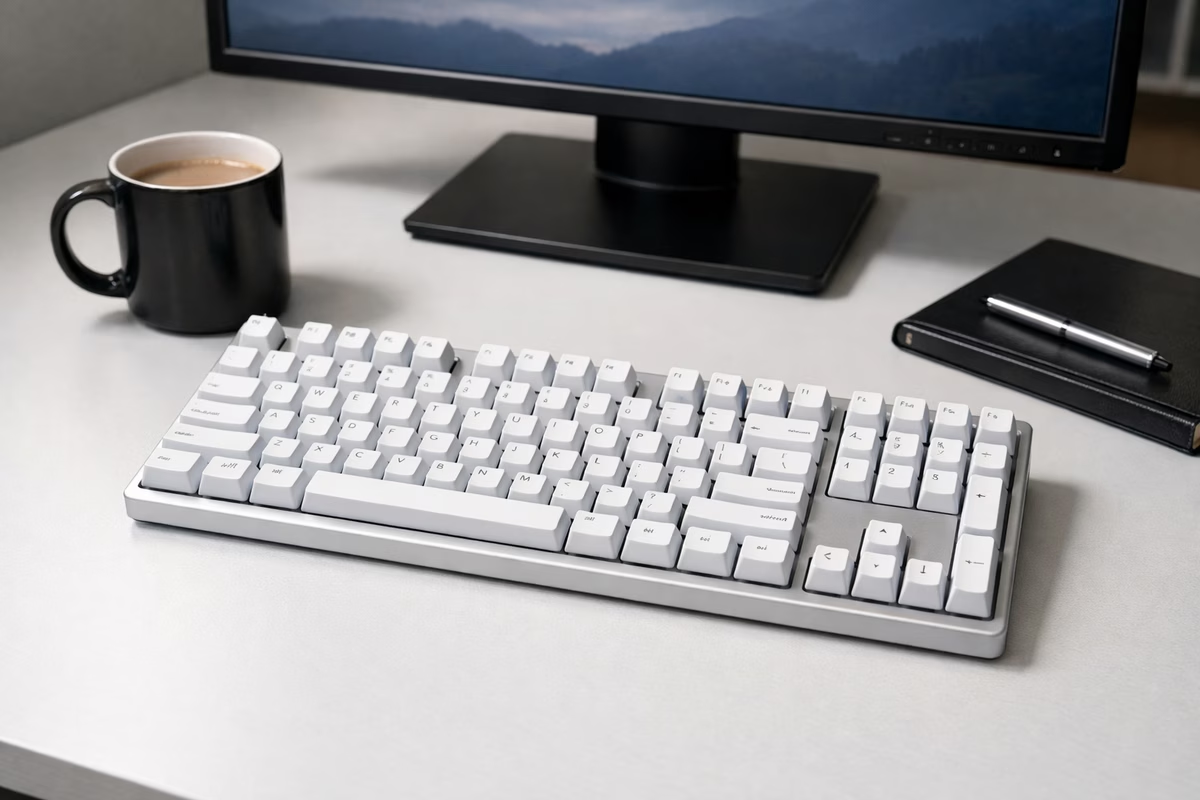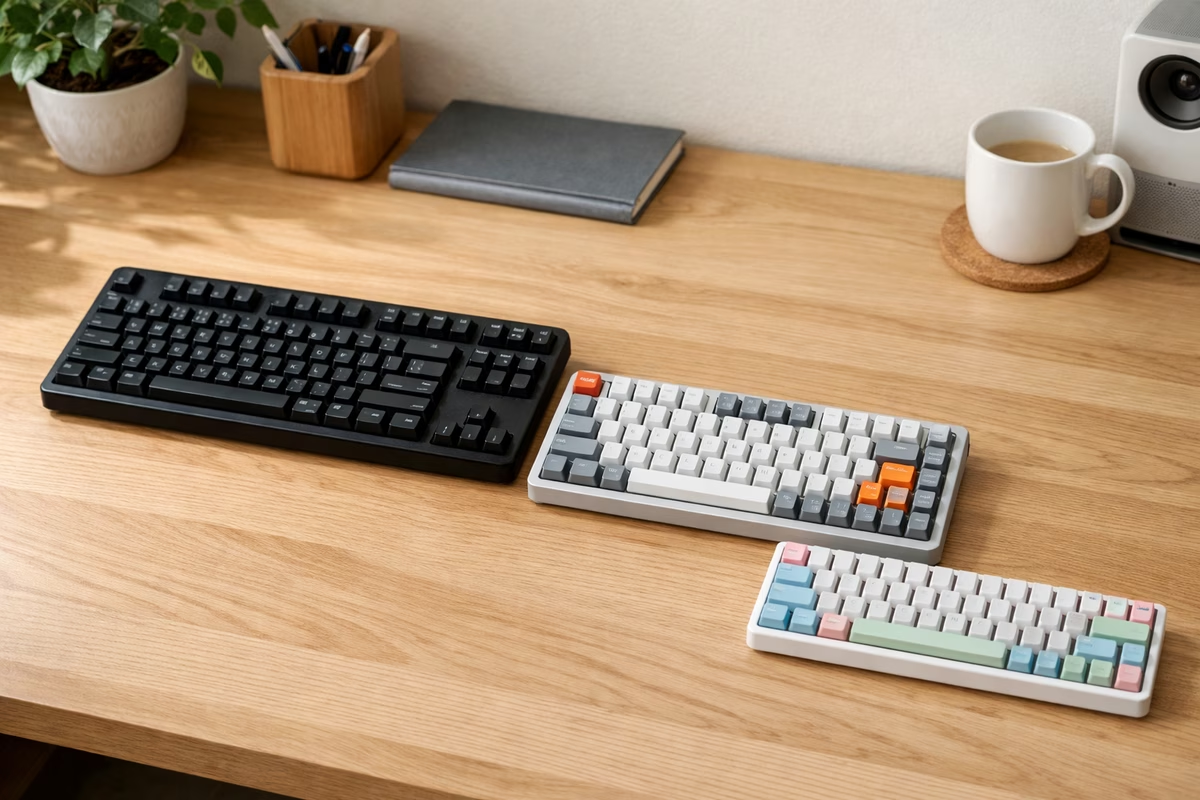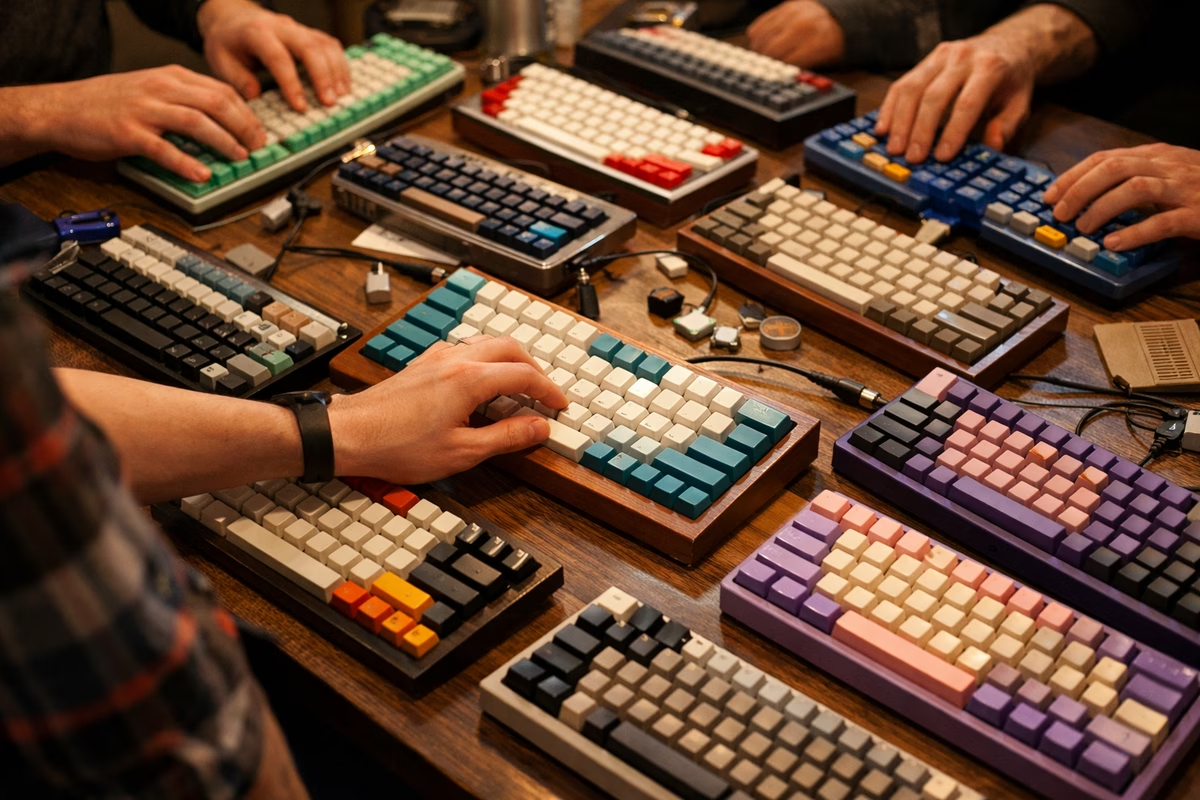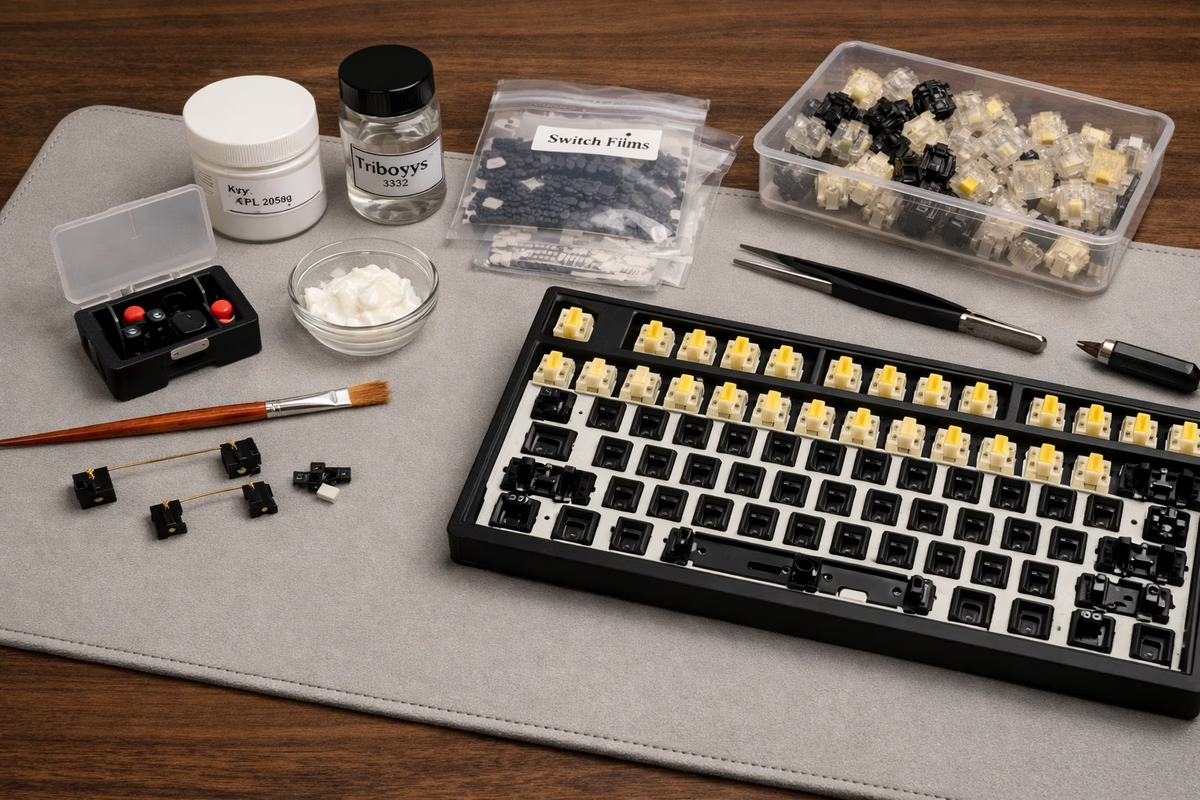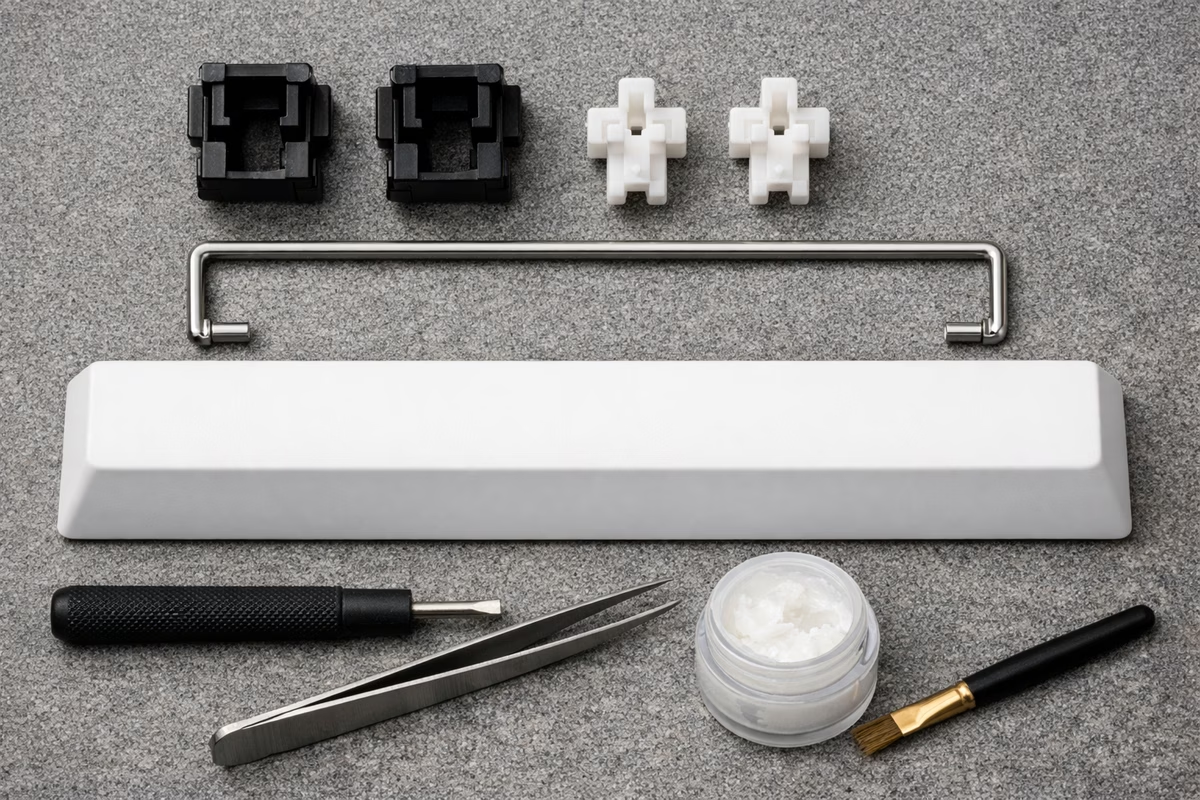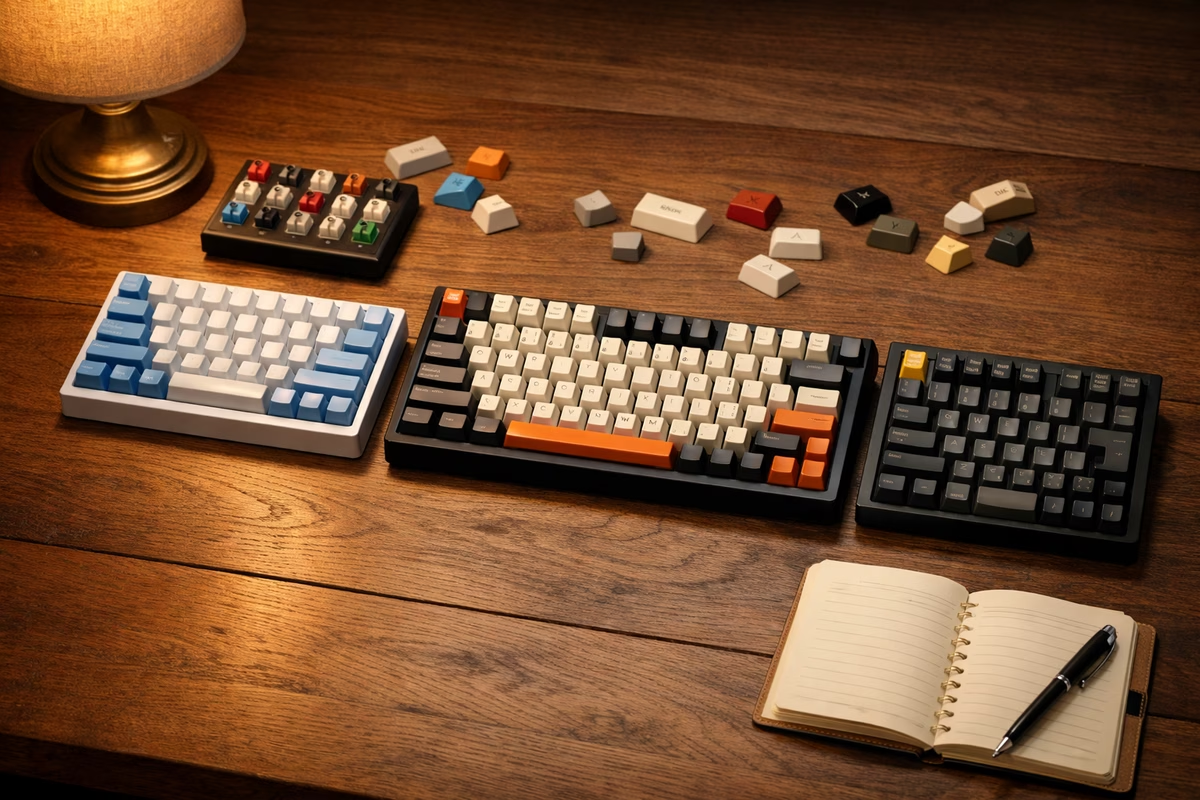
Welcome to Mechanical Keyboard Guide, where every keystroke matters. Whether you’re escaping rubber domes or building your first custom board, we’ll guide you to typing bliss.
Learn & Build
[Keyboard Guides](/mechanical-keyboards/guidebooks/)
Master switches, layouts, building techniques, and customization from beginner to expert.
Explore Boards
[Keyboard Database](/mechanical-keyboards/database/)
Browse keyboards by price, size, switches, and features. From $50 prebuilts to $500 customs.
Interactive Tools
[Games & Simulators](/mechanical-keyboards/games/)
Switch sound simulators, typing tests, build calculators, and layout designers.
Find Your Perfect Switch
Interactive Switch Sound Simulator
Start Your Keyboard Journey
- Learn the basics: Explore our Quickstart Guide for mechanical keyboard fundamentals.
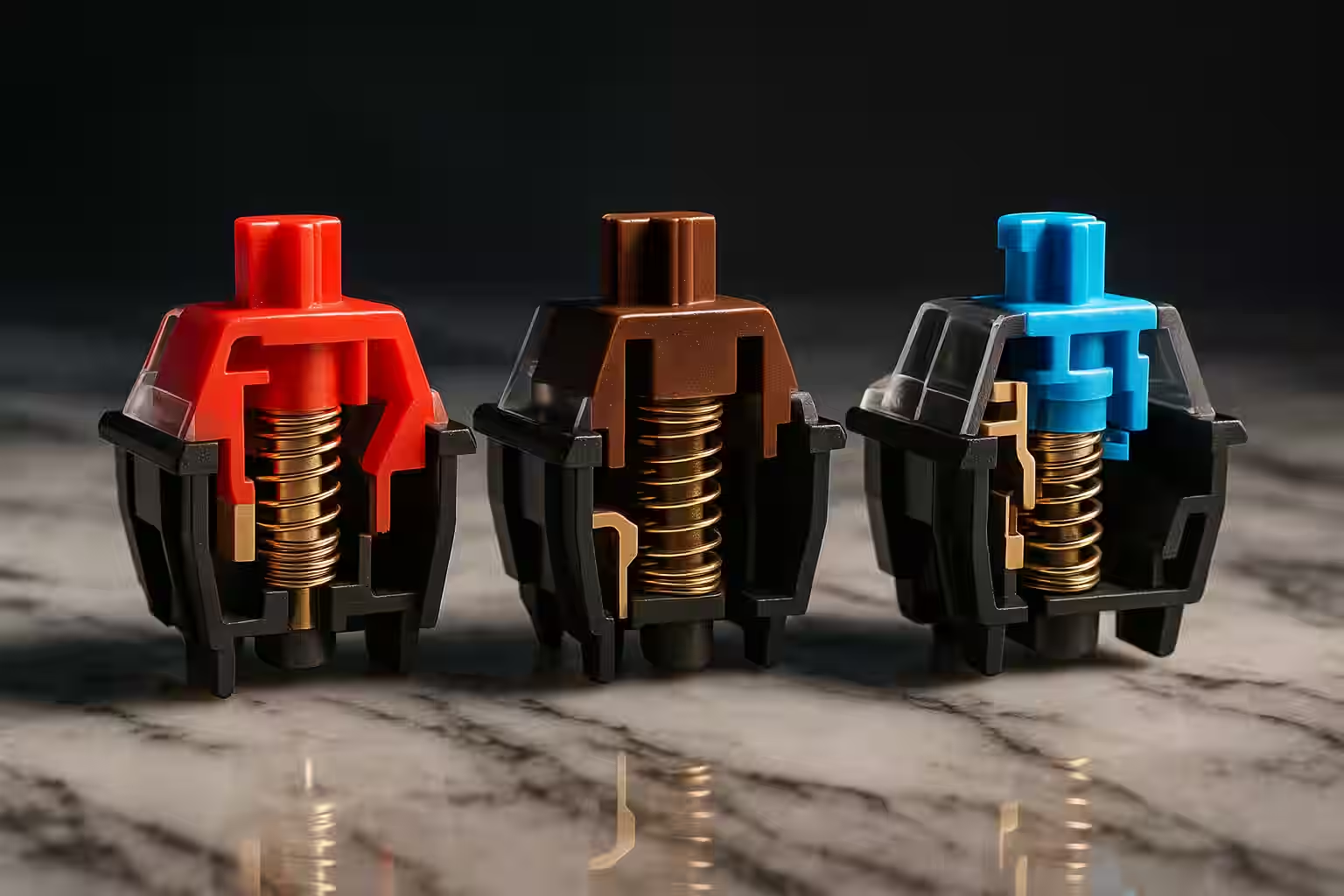
- Choose your switches: Understand linear vs. tactile vs. clicky in our switch guide.
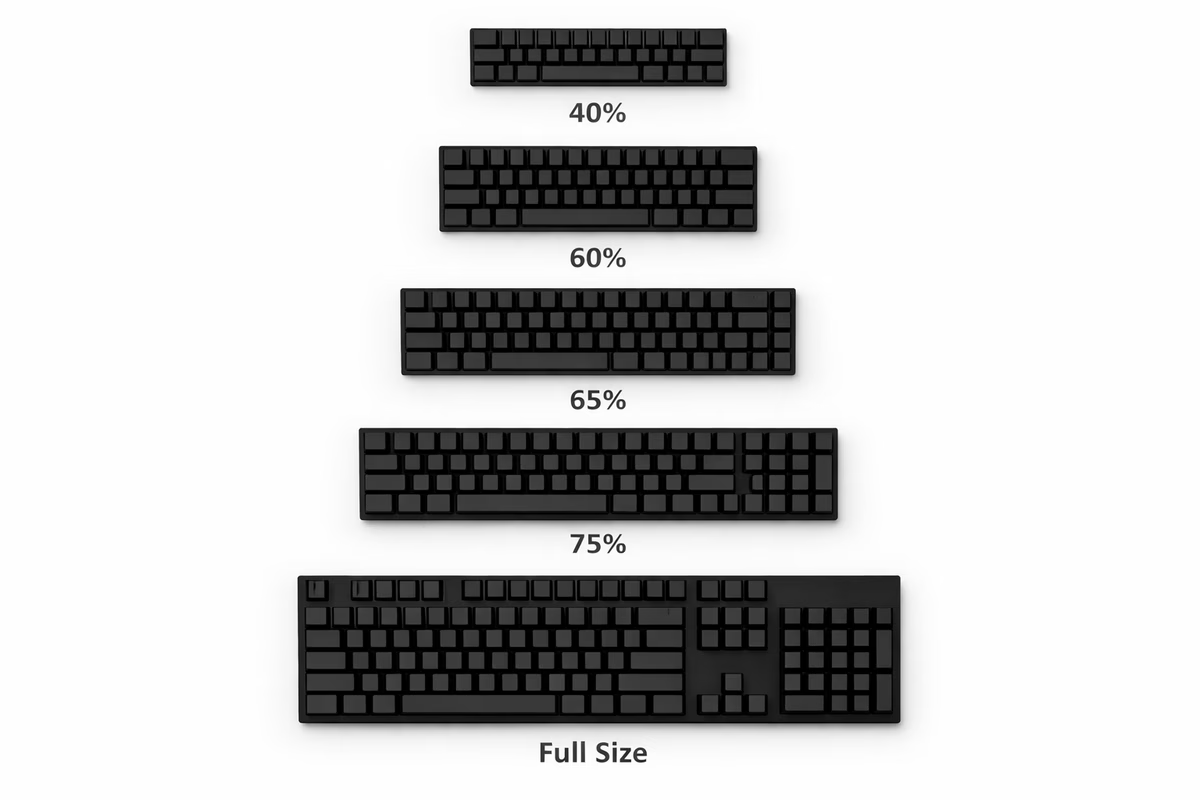
- Pick your size: Discover 60%, 65%, 75%, TKL, and full-size layouts.
- Build or buy: Use our decision tool to determine prebuilt vs. custom.
The perfect keyboard doesn’t exist—only the perfect keyboard for YOU.
Keyboard Size Finder
Why Mechanical Keyboards?
Beyond Rubber Domes:
- Typing Feel: Tactile feedback, satisfying keypresses
- Durability: 50-100 million keystrokes (vs. 5 million for membrane)
- Customization: Switches, keycaps, layouts, sounds
- Performance: Faster actuation, N-key rollover
- Longevity: Repairable, upgradeable, decades of use
The Three Pillars:
- Switches: The mechanism (linear, tactile, clicky)
- Layout: Size and key arrangement (60%, TKL, full-size)
- Build Quality: Materials, stabilizers, typing experience
Keyboard Categories
By Size
Full-Size (100%):
- All keys including numpad
- 104 keys standard
- Best for: Data entry, spreadsheets, traditional users
- Width: ~440mm
TenKeyLess (TKL, 80%):
- No numpad, keeps arrow cluster and F-row
- 87 keys
- Best for: Gaming, desk space savings, ergonomics
- Width: ~360mm
75% Layout:
- Compact with arrow keys and F-row
- ~84 keys
- Best for: Balanced functionality and size
- Width: ~320mm
65% Layout:
- Compact with arrow keys, no F-row
- ~68 keys
- Best for: Enthusiasts, minimalists with arrows
- Width: ~310mm
60% Layout:
- Ultra-compact, no arrows or F-row
- 61 keys
- Best for: Minimalists, programmers, desk space
- Width: ~300mm
40% and Smaller:
- Extreme minimalism, layers required
- 40-48 keys
- Best for: Hardcore enthusiasts, custom builds
- Width: ~240mm
By Price Range
Budget ($50-$100):
- Redragon, Royal Kludge, Keychron C-series
- Outemu or Gateron switches
- ABS keycaps, basic stabilizers
- Great entry point
Mid-Range ($100-$200):
- Keychron, Ducky, Varmilo, Leopold
- Cherry MX or quality clones
- PBT keycaps, decent stabilizers
- Enthusiast quality
Premium ($200-$400):
- Mode, KBDfans, GMMK Pro
- Hot-swap, aluminum cases
- Premium stabilizers, gasket mount
- Customization paradise
Custom/Enthusiast ($400+):
- Group buy boards, limited editions
- Exotic switches, artisan keycaps
- Ultimate build quality
- Hobby-grade
Switch Types Explained
Keyboard Facts
The Industry:
- $2+ billion mechanical keyboard market
- Growing 15% annually
- Cherry MX dominates switches (patents expired 2014)
- Custom keyboard community: 1.8M on r/MechanicalKeyboards
Typing Stats:
- Average typist: 40 WPM
- Good typist: 60-80 WPM
- Professional: 80-100 WPM
- Enthusiast: 100-120+ WPM
- World record: 216 WPM
Switch Lifespan:
- Cherry MX: 100 million keystrokes
- Gateron: 50 million
- Kailh: 70-80 million
- Topre: 50 million
- Membrane: 5-10 million
Interactive Build Cost Calculator
Common Keyboard Myths
Myth: “Mechanical keyboards are only for gaming”
- Truth: Gamers love them, but typists benefit more from tactile feedback and durability.
Myth: “Cherry MX switches are the best”
- Truth: Cherry is reliable but not necessarily “best.” Gateron, Kailh, and boutique switches often smoother.
Myth: “Mechanical keyboards are too loud for office use”
- Truth: Linear and tactile switches with O-rings are quieter than many membrane boards.
Myth: “Smaller keyboards are harder to use”
- Truth: Layers take 1-2 weeks to learn. Most users prefer 60-75% after adapting.
Myth: “You need to lube switches”
- Truth: Stock switches are fine. Lubing is for enthusiasts chasing perfection.
Layout Options
Prebuilt vs. Custom Decision Matrix
Buy Prebuilt If:
- First mechanical keyboard
- Budget under $150
- Want immediate use
- Don’t want to tinker
- Need warranty/support
Build Custom If:
- Specific switch preference
- Want ultimate customization
- Enjoy building/modding
- Budget $200+
- Willing to wait (group buys)
Hybrid Approach:
- Buy hot-swap prebuilt (GMMK, Keychron Q)
- Swap switches later
- Upgrade keycaps gradually
- Mod stabilizers
- Best of both worlds
Switch Preference Guide
For Gaming
Best Switches:
- Linear (smooth, fast)
- Light actuation (45g)
- Short travel (3.5mm)
Top Picks:
- Cherry MX Speed Silver (fastest)
- Gateron Yellow (smooth, budget)
- Kailh Box Red (stable, smooth)
For Typing
Best Switches:
- Tactile (feedback without noise)
- Medium weight (60-65g)
- Standard travel (4mm)
Top Picks:
- Holy Panda (tactile king, expensive)
- Boba U4T (great tactility, affordable)
- Durock T1 (smooth tactile)
For Office
Best Switches:
- Silent tactile or linear
- Moderate weight
- Dampened bottom-out
Top Picks:
- Cherry MX Silent Red (quietest linear)
- Boba U4 Silent (quiet tactile)
- Zilent V2 (premium quiet tactile)
For All-Purpose
Best Switches:
- Tactile, moderate weight
- Good for gaming and typing
- Widely available
Top Picks:
- Cherry MX Brown (classic starter)
- Gateron Brown (smoother than Cherry)
- Glorious Panda (premium tactile)
Keycap Materials
ABS (Acrylonitrile Butadiene Styrene):
- Pros: Smooth, easy to manufacture, vibrant colors
- Cons: Shines over time, feels cheap
- Price: $20-60
PBT (Polybutylene Terephthalate):
- Pros: Textured, durable, no shine
- Cons: Limited colors, harder to double-shot
- Price: $30-100
Double-Shot vs. Dye-Sub:
- Double-shot: Legends never fade (two plastics molded)
- Dye-sublimation: Legends absorbed into plastic, PBT only
Interactive Typing Test
Next Steps to Your Perfect Keyboard
This Week:
- Determine your budget ($50, $150, $300, $500+)
- Choose size (TKL, 65%, 60%, or full-size)
- Pick switch type (linear, tactile, or clicky)
- Read our Switch Guide in detail
This Month:
- Order a switch tester ($15-30 for 9-12 switches)
- Join r/MechanicalKeyboards for inspiration
- Watch keyboard build videos (YouTube)
- Make your purchase decision
Long Term:
- Build or upgrade your keyboard
- Experiment with keycaps
- Learn to lube switches (if interested)
- Maybe build a second board (it happens to everyone!)
Welcome to the mechanical keyboard community! Whether you’re typing code, gaming, or just appreciating the perfect click-clack, you’re now part of a passionate group of enthusiasts who know that typing doesn’t have to be boring.
Your fingers will thank you. Your coworkers might not (if you choose clicky switches), but your fingers definitely will.