Mechanical Keyboards 76 guides Switches, Layouts, Buying Guides & Builds

Mechanical Keyboard Essentials

Expert guides on switches, layouts, custom builds, and finding your perfect typing experience.

Jump straight into the Mechanical Keyboards track in Learn with Fizz, then use the guidebooks when you want depth.

Mechanical Keyboard Essentials is a library for choosing, tuning, and maintaining a keyboard you actually enjoy typing on. Some readers just want one good board for work. Others want to lube switches, tune stabilizers, and build from a bare kit. The guidebooks serve both, and they treat the hobby as a series of decisions you can test rather than a shopping list to complete.

Start with Mechanical Keyboards: 30-Minute Quickstart to learn what a switch is, how layout sizes trade desk space against habit, and why feel matters more than brand. When you are ready to spend money, How to Buy Your First Mechanical Keyboard (Without Drowning in Options) narrows the field to a few honest choices, and the Complete Switch Guide: Linear, Tactile, and Clicky explains what those words mean under your fingers. Before committing to ninety identical switches, Switch Sample Testing Before You Buy a Full Set shows how to try a handful first.

Beyond the first board

Past the entry path, the shelf covers stabilizer tuning, keycap profiles and compatibility, sound dampening, firmware and layers, split and ergonomic layouts, wireless tradeoffs, soldering, and troubleshooting for chatter, rattle, and ping. The diagnostic-style guides work from the symptom, a hollow case or a ticking spacebar, back to the likely cause, so you change one variable at a time instead of guessing at three.

The editorial stance is deliberately calm. Keyboard advice online drifts toward the expensive end of the hobby; these pages do not. A well-chosen budget board with the right switches beats an ill-fitting premium one, sampling beats committing, and reversible mods come before permanent ones. The goal is a keyboard that fits your hands, your desk, and your office noise tolerance, whatever it costs.

Useful tools and diagnostics

Editorial Guide

What Mechanical Keyboards Covers

Your complete guide to mechanical keyboards. Learn about switches, layouts, custom builds, and find your perfect typing experience. Fondsites treats this topic as a practical library rather than a loose feed: each page is meant to explain the decision, show the vocabulary, and point toward the next useful guide.

The Mechanical Keyboards shelf is organized for readers who want clear context before buying gear, changing a routine, or repeating a claim they saw elsewhere. Start with the quickstart material when the topic is new, then move into the more specific guidebooks when a real question appears.

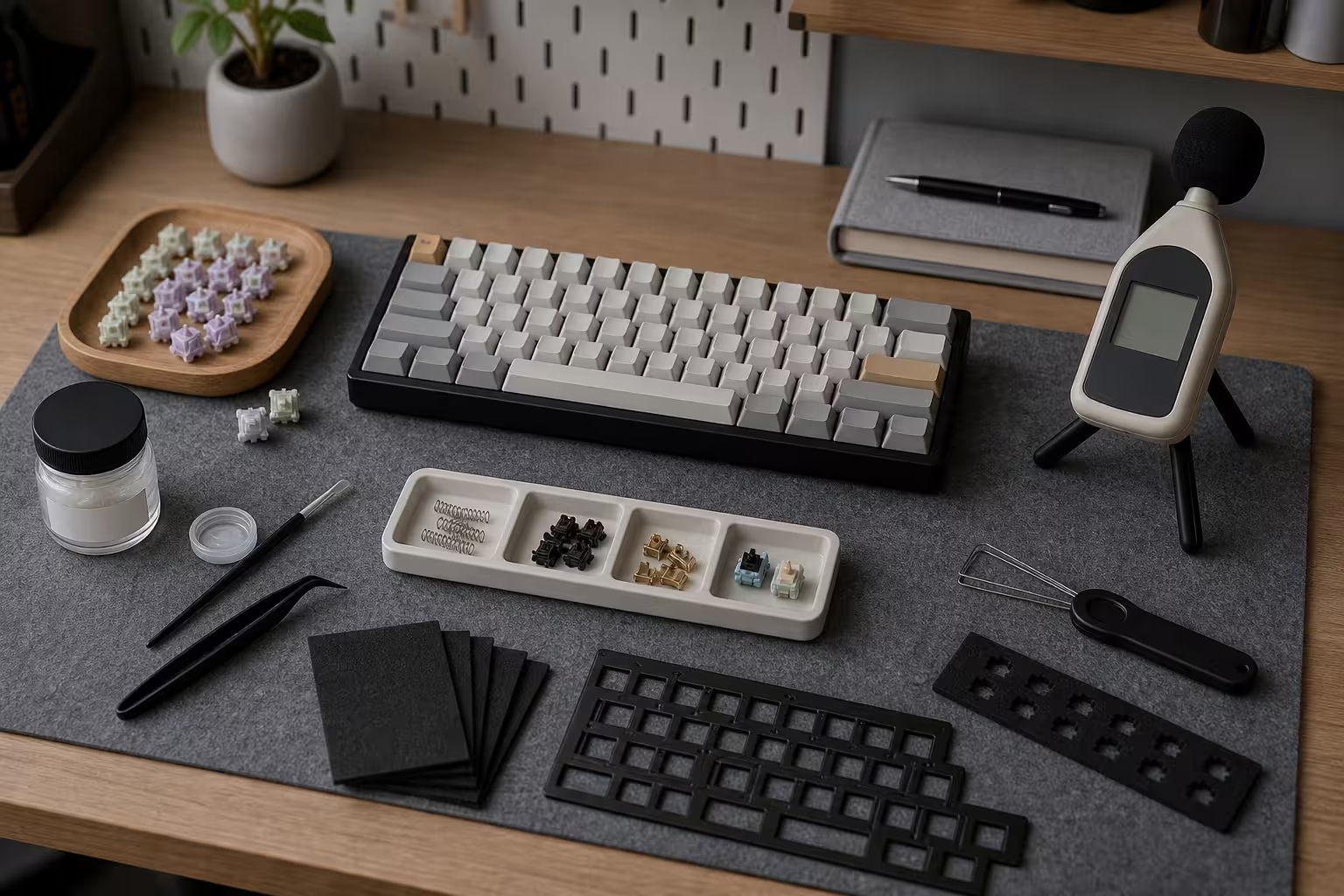
There are 76 guidebooks in this library. Useful starting points include Low-Noise Keyboard Setup: Make a Board Easier to Live With, Keyboard Mounting Styles and Plate Materials, Split Keyboards and Ergonomic Layouts and Keyboard PCBs and Hot-Swap Sockets. Those pages show the house style: concrete examples, cautious boundaries, and links back into related topics when a short answer would be misleading.

Guidebooks

Plain guides for building, tuning, and using mechanical keyboards.

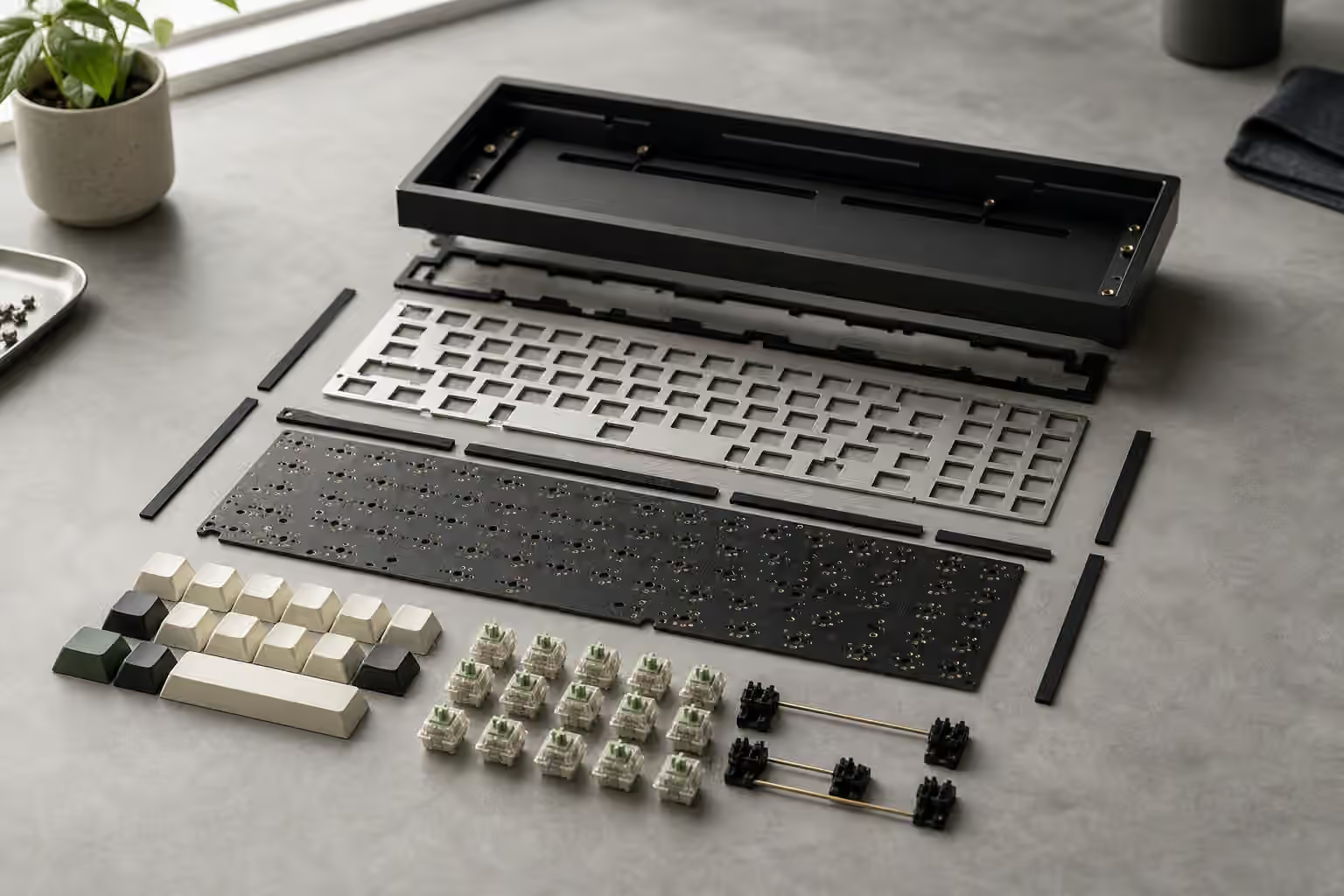
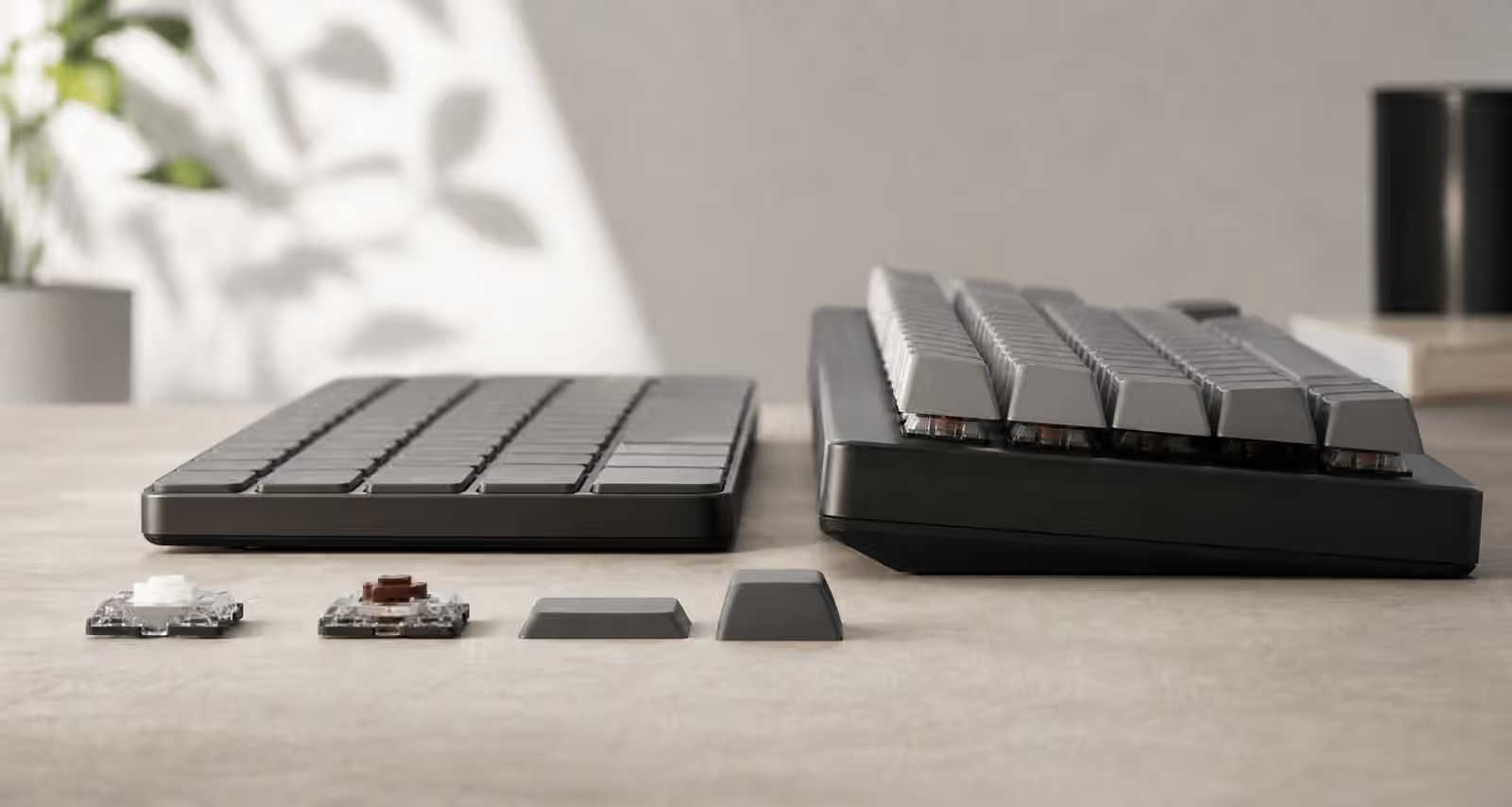
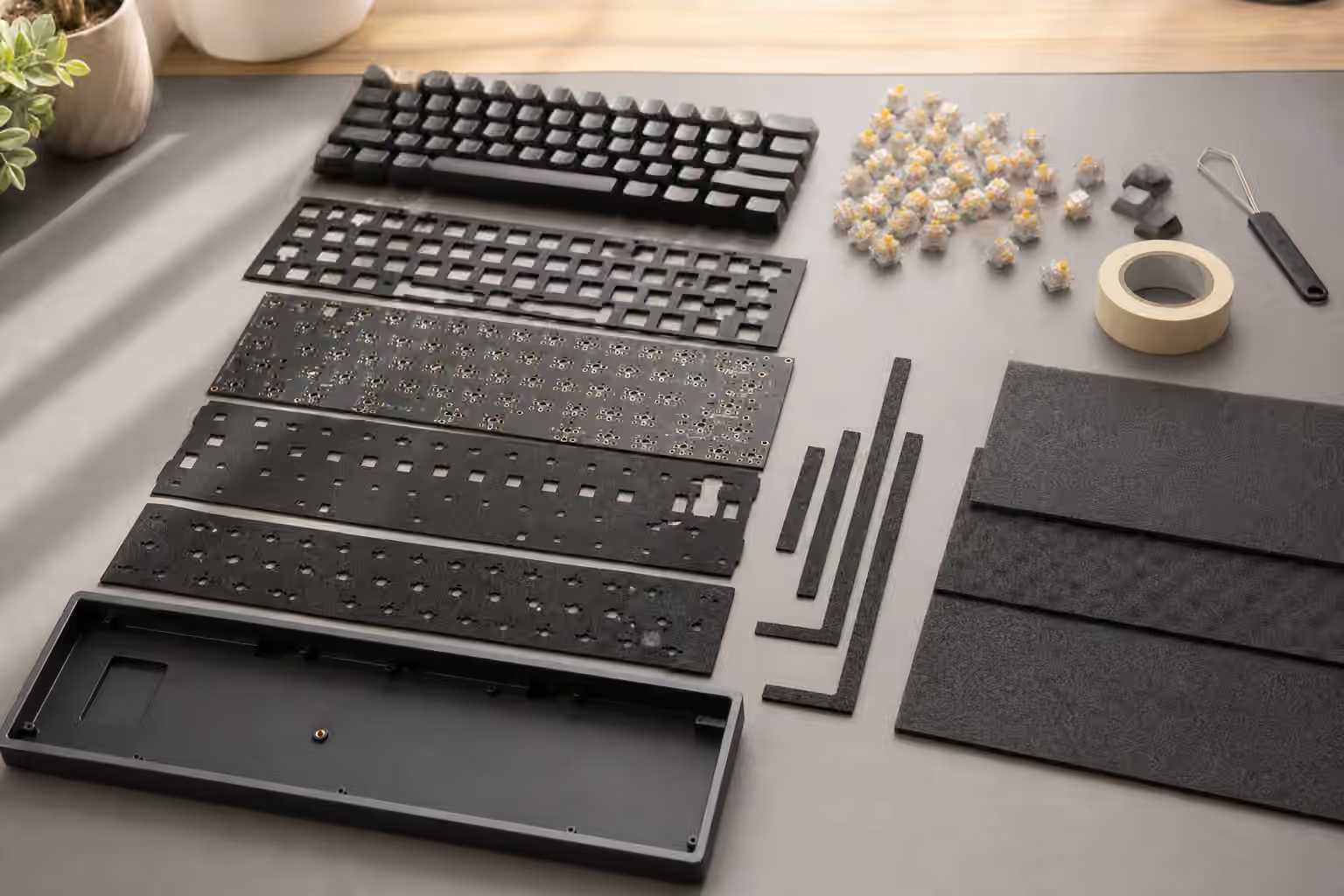
Exploded mechanical keyboard build with case, plate, PCB, gaskets, switches, and keycaps.

Mechanical Keyboard Guide

Keyboard Mounting Styles and Plate Materials

A practical guide to how keyboard mounting styles and plate materials shape typing feel, sound, flex, and build …

Intermediate 9 min read
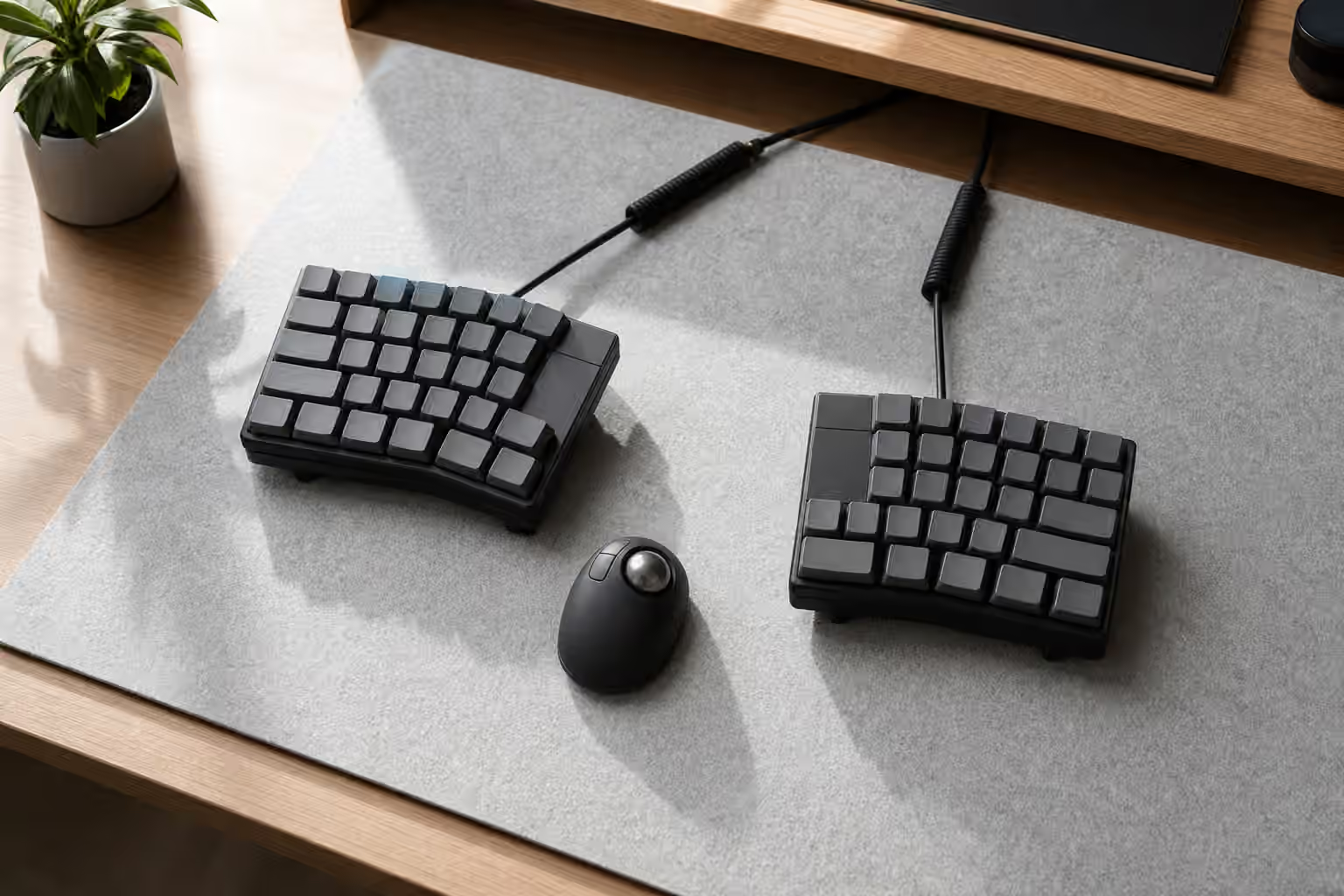
Split mechanical keyboard halves positioned apart on a desk with a trackball nearby.

Mechanical Keyboard Guide

Split Keyboards and Ergonomic Layouts

A practical guide to split mechanical keyboards, ergonomic layouts, tenting, thumb keys, layers, and the trade-offs that …

Intermediate 10 min read
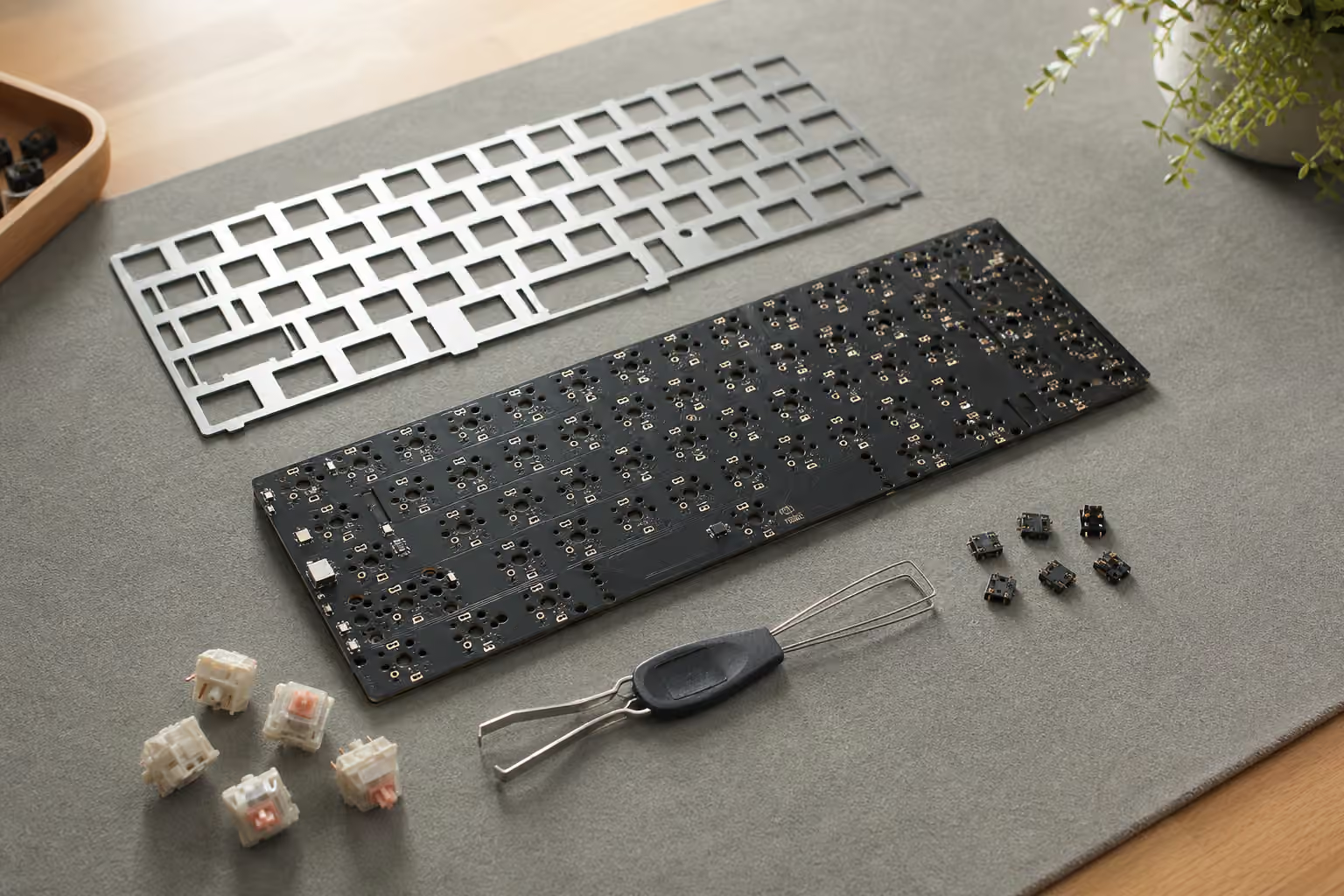
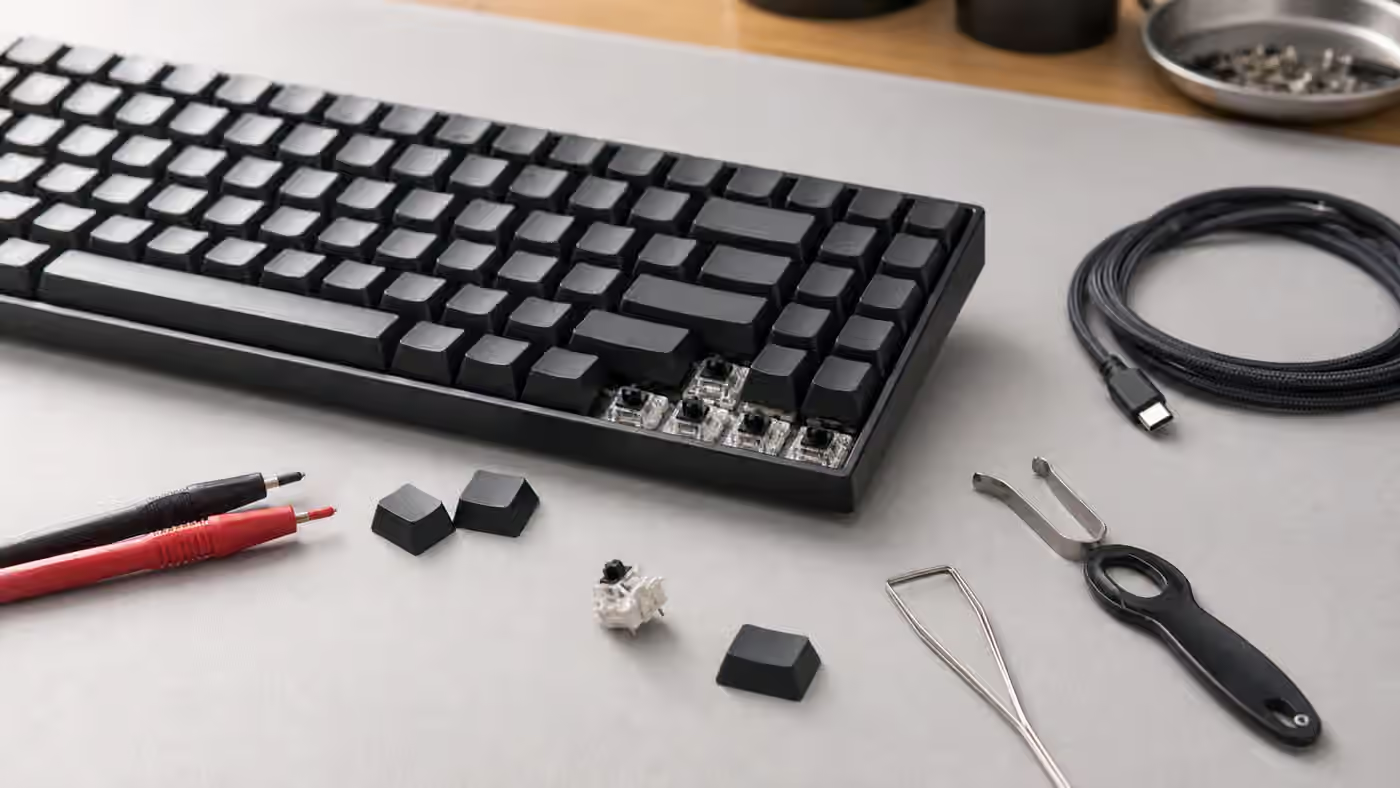
Mechanical keyboard PCB with plate, loose switches, hot-swap sockets, and a switch puller.

Mechanical Keyboard Guide

Keyboard PCBs and Hot-Swap Sockets

A practical guide to mechanical keyboard PCBs, hot-swap sockets, switch compatibility, layout support, LED orientation, …

Intermediate 11 min read
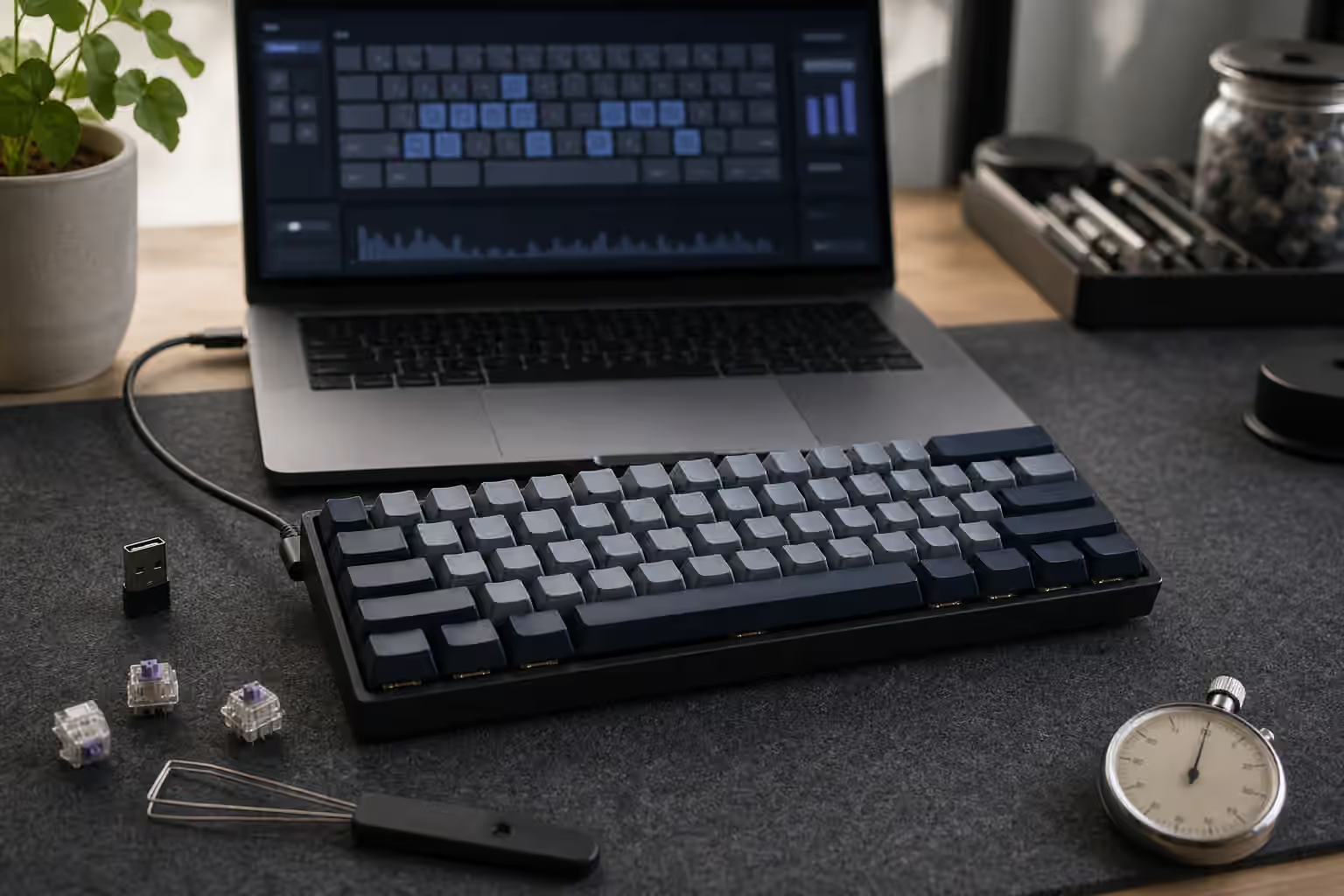
Compact mechanical keyboard connected to a laptop for input testing.

Mechanical Keyboard Guide

Keyboard Rollover, Polling Rate, and Latency

A practical guide to mechanical keyboard rollover, ghosting, polling rate, scan behavior, input latency, wireless delay, …

Intermediate 10 min read
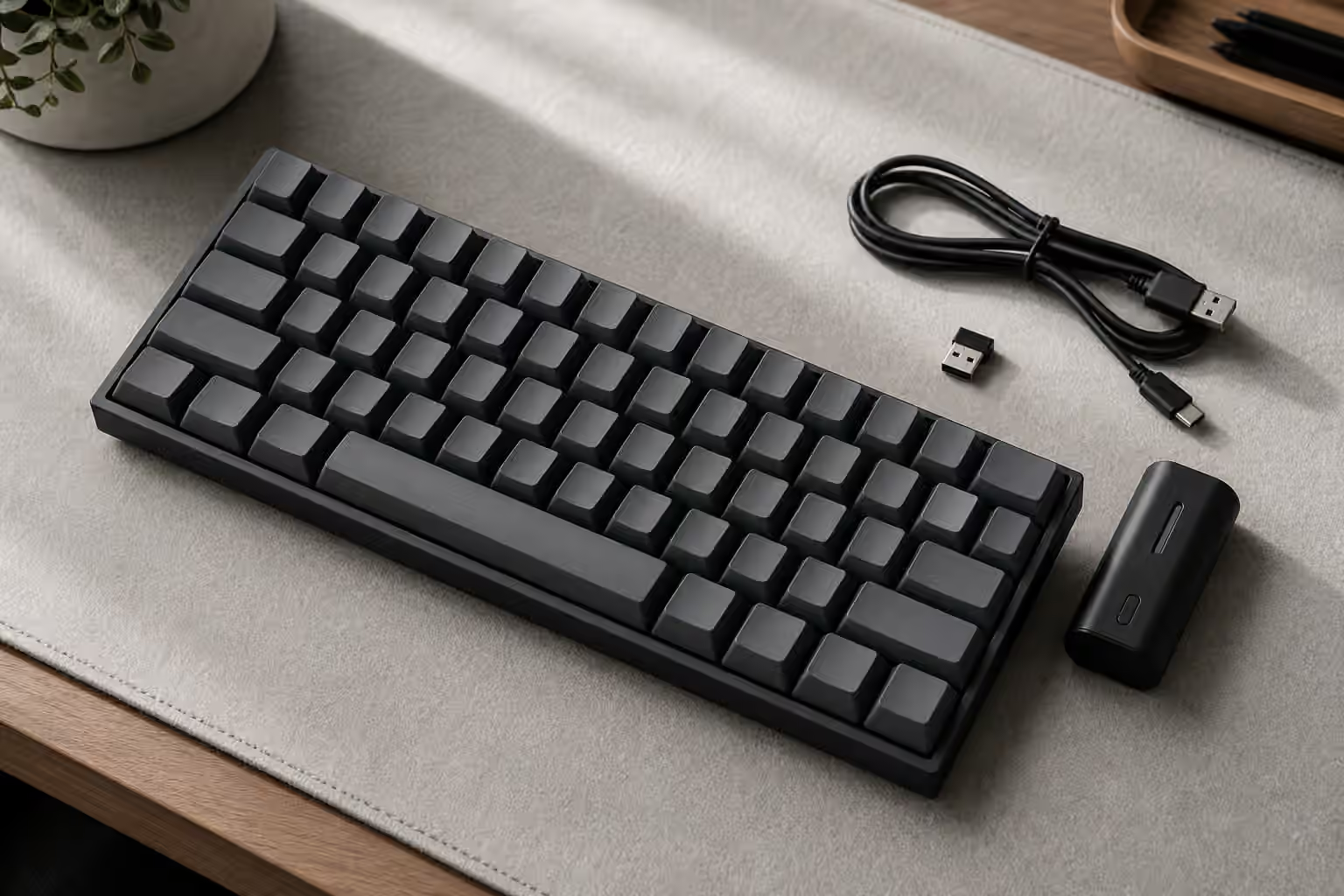
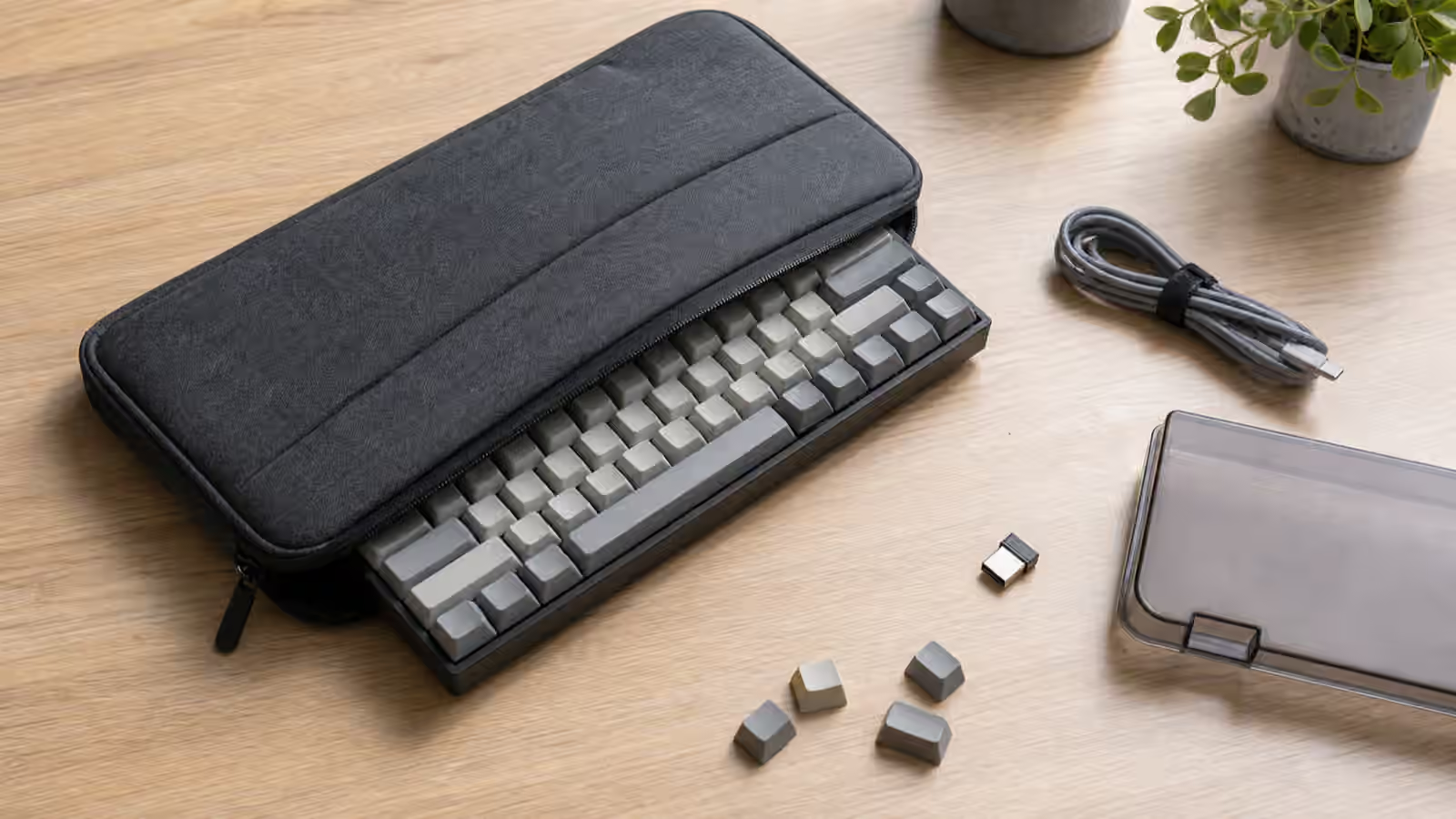
Compact mechanical keyboard partly inside a padded travel case with cable, dongle, dust cover, and loose keycaps.

Mechanical Keyboard Guide

Keyboard Travel and Storage

A practical guide to carrying, storing, and setting up a mechanical keyboard away from a permanent desk without …

Beginner 10 min read